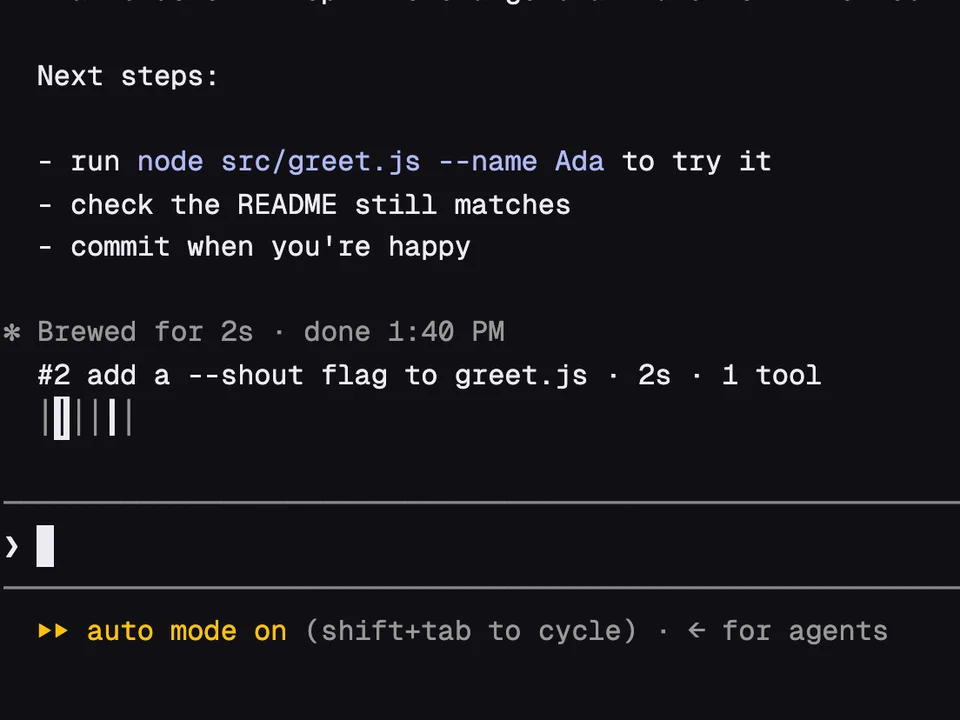
Prompt Rail
A rail of your past prompts above the input, to preview one and jump back to it
Themed colors for Claude's replies, with highlighted code, diagrams and copy buttons
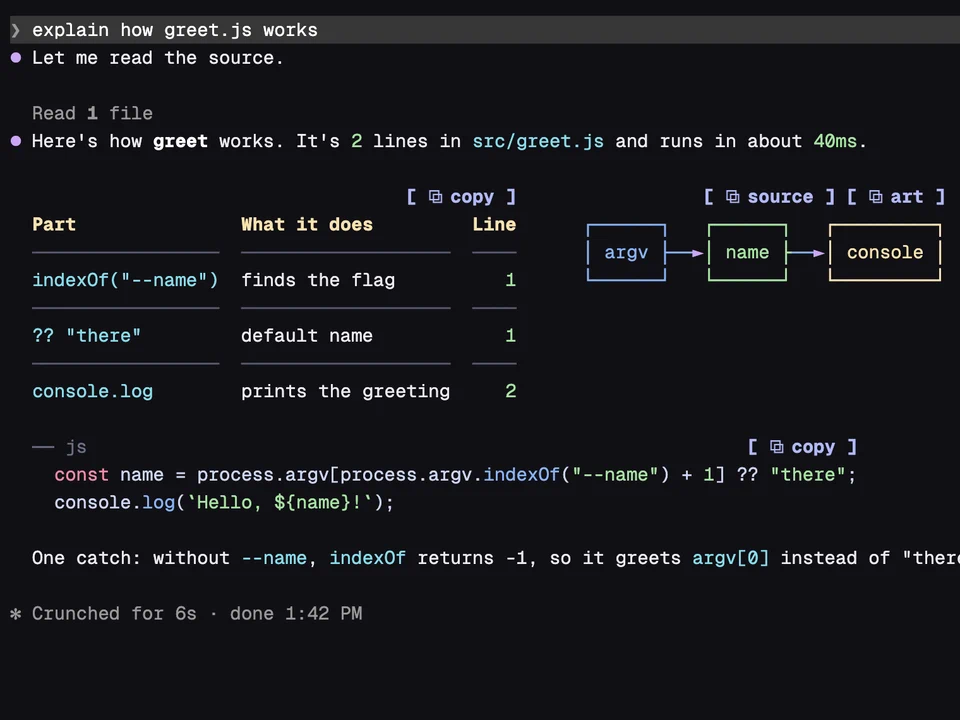
Prismantis redraws every reply Claude writes. Table headers, numbers, paths and inline code get their own colors, code blocks get syntax highlighting in 24 languages, and mermaid blocks turn into colored box diagrams, sequence diagrams and bar or line charts drawn in text. A table followed by a diagram sits side by side when the terminal is wide enough. Code blocks, tables, lists and quotes get a [ ⧉ copy ] button that puts their markdown on your clipboard, and diagrams get two: one for the mermaid source and one for the drawing.
/config and find the prismantis rows to pick a theme: Catppuccin (the default is catppuccin-mocha), Dracula, Nord, Tokyo Night, Gruvbox, Rosé Pine, Everforest, GitHub, One Dark, Solarized, or mono for bold and dim only. Light variants are there too.rules, grid, minimal), the heading style (bold, underline, uppercase, banner) and a color for any of 20 parts, such as table headers, numbers or links./plugin and Claude Code's own drawing comes back.Ran gh pr view 12 or Read ~/src/app.ts, with a status dot. Set toolRows to false to keep Claude Code's own tool rows.A rail of your past prompts above the input, to preview one and jump back to it
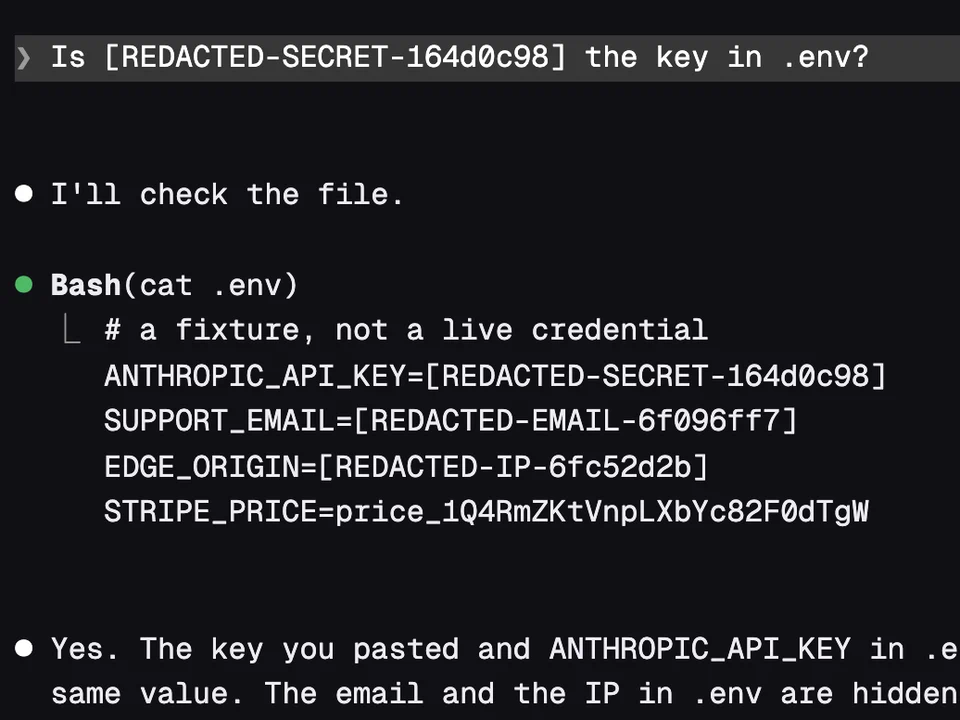
Swaps keys, emails and IP addresses for placeholders before Claude reads them