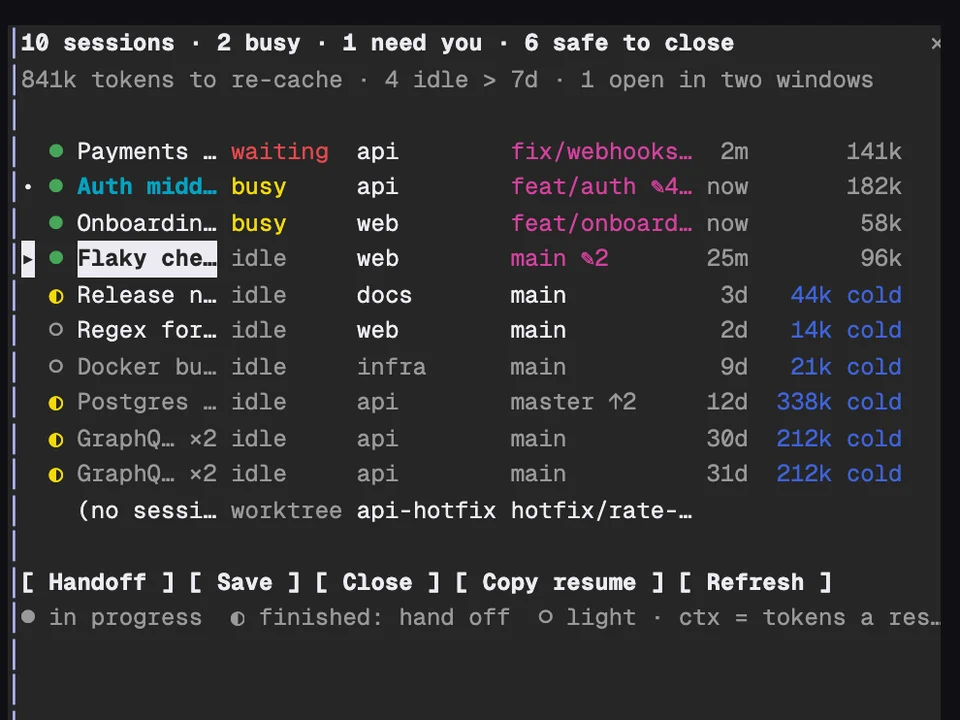
Claude Fleet
Every Claude session on your machine in one table, with handoffs and cleanup
A rail of your past prompts above the input, to preview one and jump back to it
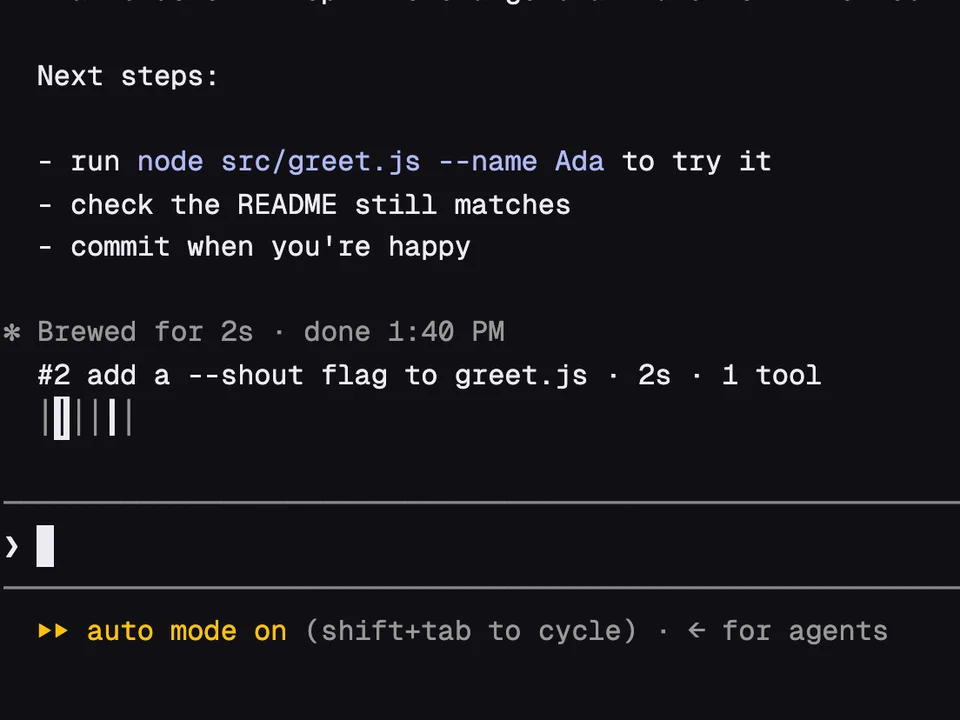
Above the prompt input sits a short row of bars, one for each prompt you've sent this session, with the bar of the prompt you're reading drawn heavier. Point at a bar, or move to it with the keyboard, and the line above shows that prompt with a summary of its turn: how long it took, how many tools it used and which files it edited. Click the bar, or press Enter, and the transcript scrolls back to that prompt. In long sessions it's a quick way to find where you asked for something.
/prompt-rail next, prev, first and last jump between prompts. /prompt-rail 12 jumps to prompt 12, and /prompt-rail find <words> to the newest prompt that contains them./prompt-rail-next and /prompt-rail-prev take no arguments, so you can bind them to keys in ~/.claude/keybindings.json./prompt-rail vertical lists the prompts in a pane beside the transcript instead, /prompt-rail horizontal brings back the bars, and /prompt-rail off hides the rail. The choice is also the "Rail mode" row in /config./tui fullscreen), which the recording uses.tail, the only program it runs./rewind drop off the rail, and prompts from before a resume are included.Every Claude session on your machine in one table, with handoffs and cleanup
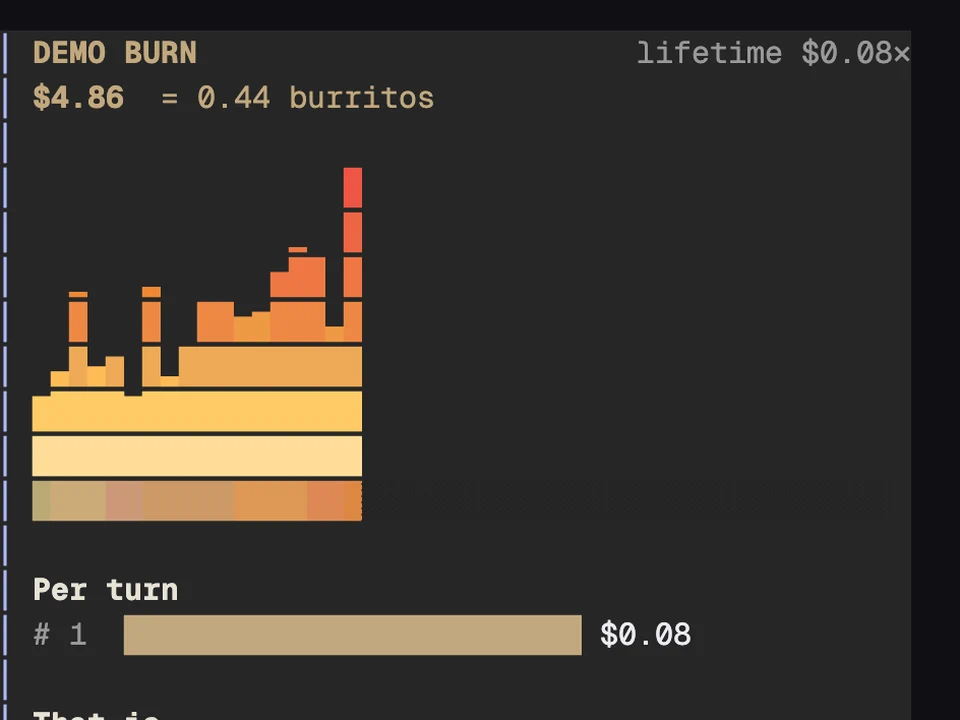
Your session's spend above the prompt as a growing fire, counted in burritos
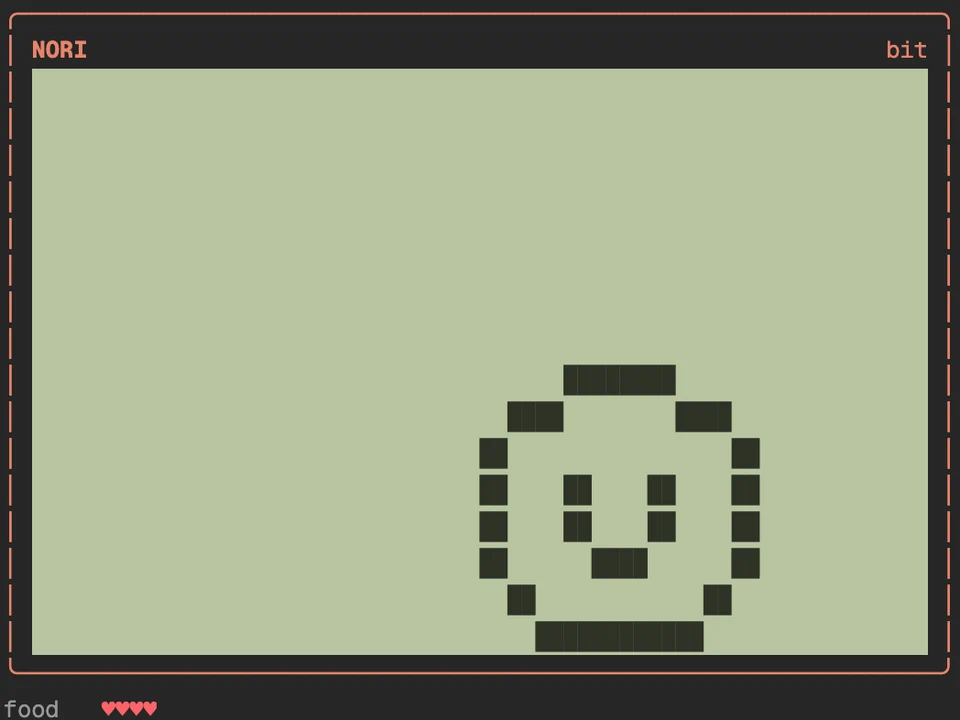
A virtual pet that eats Claude's edits and grows into one of eight adults
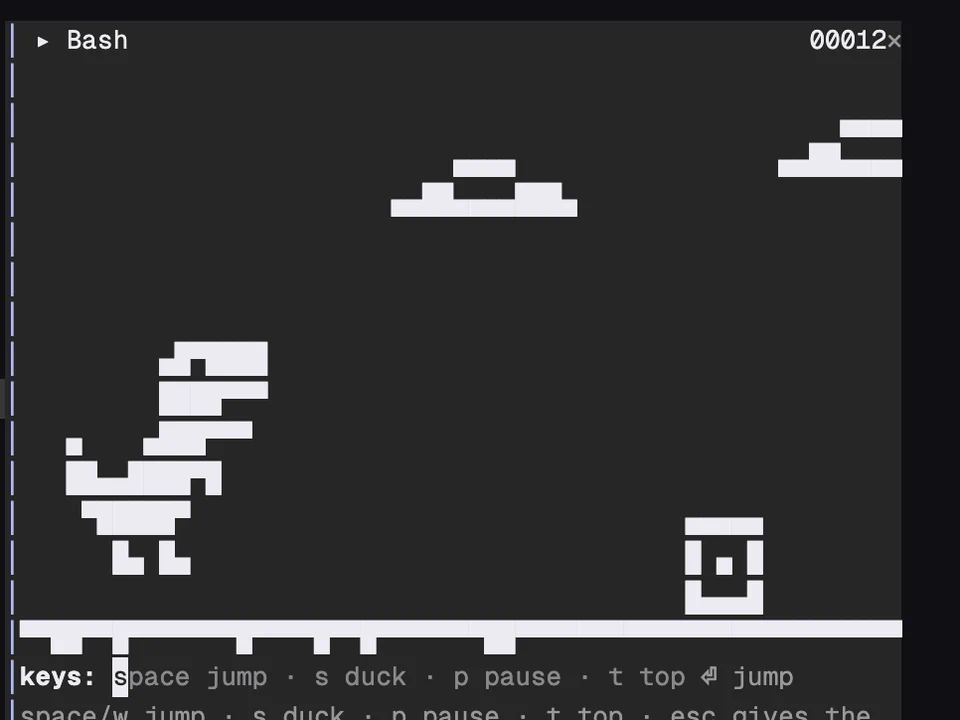
A T-rex runner in a pane where Claude's tool calls become obstacles