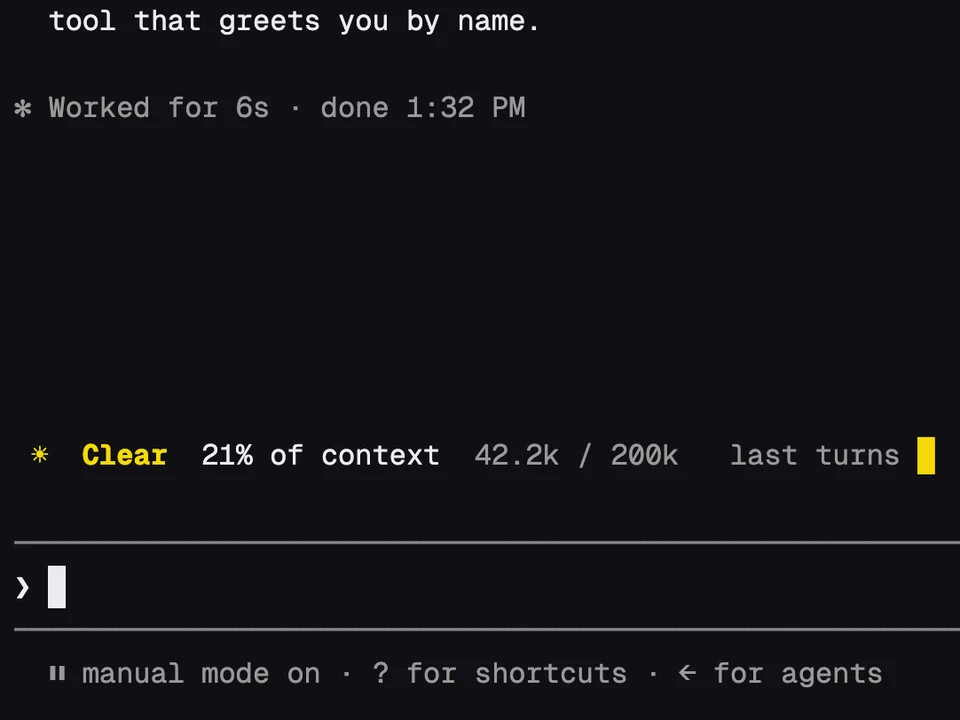
Token Weather
A weather forecast for your context window, in one line above the prompt
Your session's spend above the prompt as a growing fire, counted in burritos
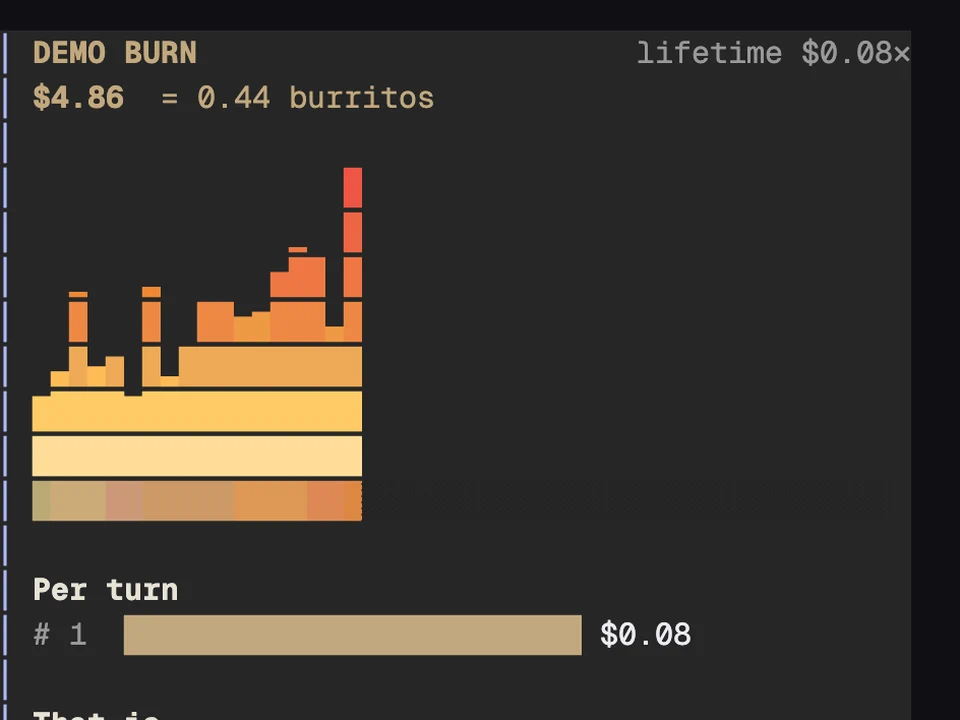
A band above the prompt shows what this session has cost so far, next to a fire bar that flickers and grows as the spend climbs. The dollar figure rolls up like an odometer and is converted into burritos or McDoubles, switching every six seconds. On a subscription, two lines show how much of your 5-hour and weekly limits you've used and when they reset. Under the cost you see the models used this session, with their tokens in and out, and your lifetime spend.
When the session's spend passes $1, $5, $10, $25 and $50, a pop-up note tells you.
Install it. The band appears once the session has a cost.
/burn opens a pane with a bigger fire, the cost of each of the last 12 turns and what the total buys./burn hide hides the band (so does its hide button), and /burn show brings it back./burn lifetime prints your lifetime spend./burn demo runs the meter from $0 to $30 in 20 seconds, so you can see the fire and the alerts without spending anything.A weather forecast for your context window, in one line above the prompt
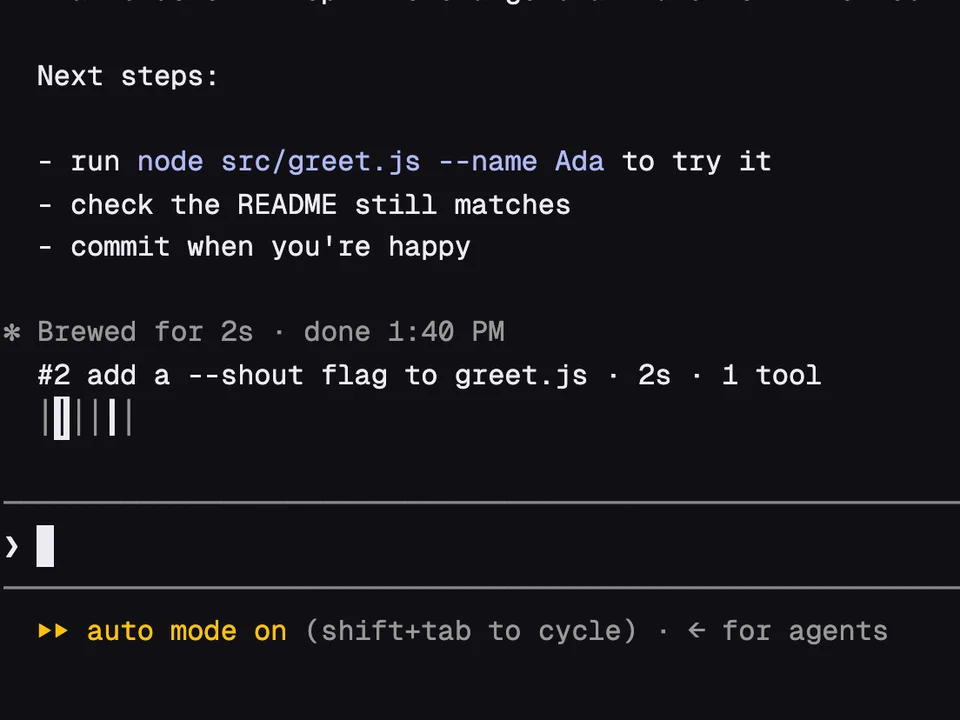
A rail of your past prompts above the input, to preview one and jump back to it
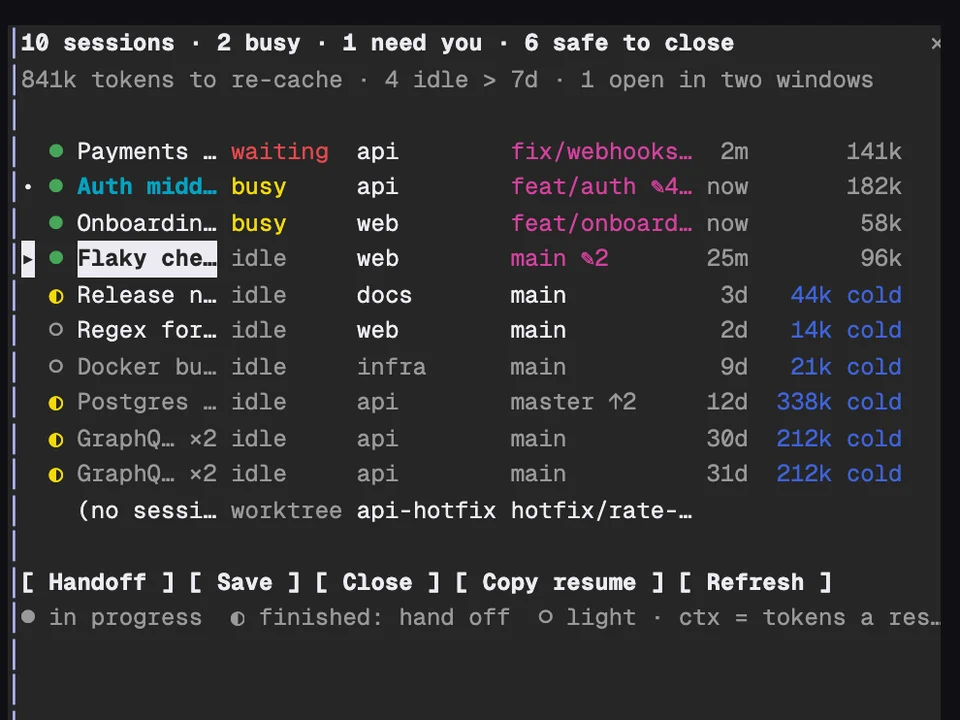
Every Claude session on your machine in one table, with handoffs and cleanup
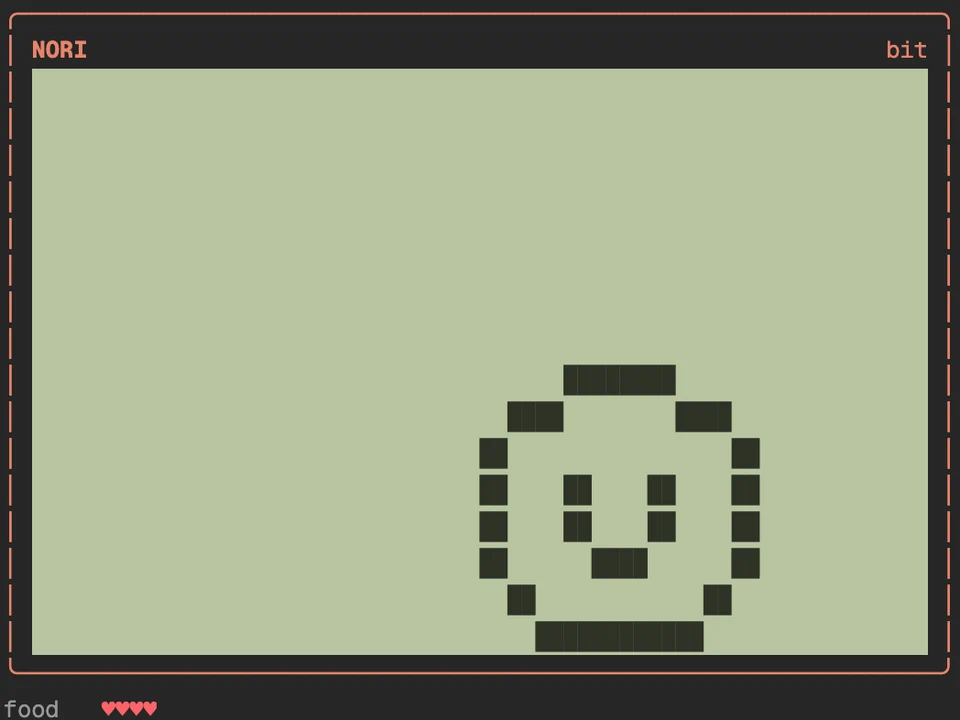
A virtual pet that eats Claude's edits and grows into one of eight adults