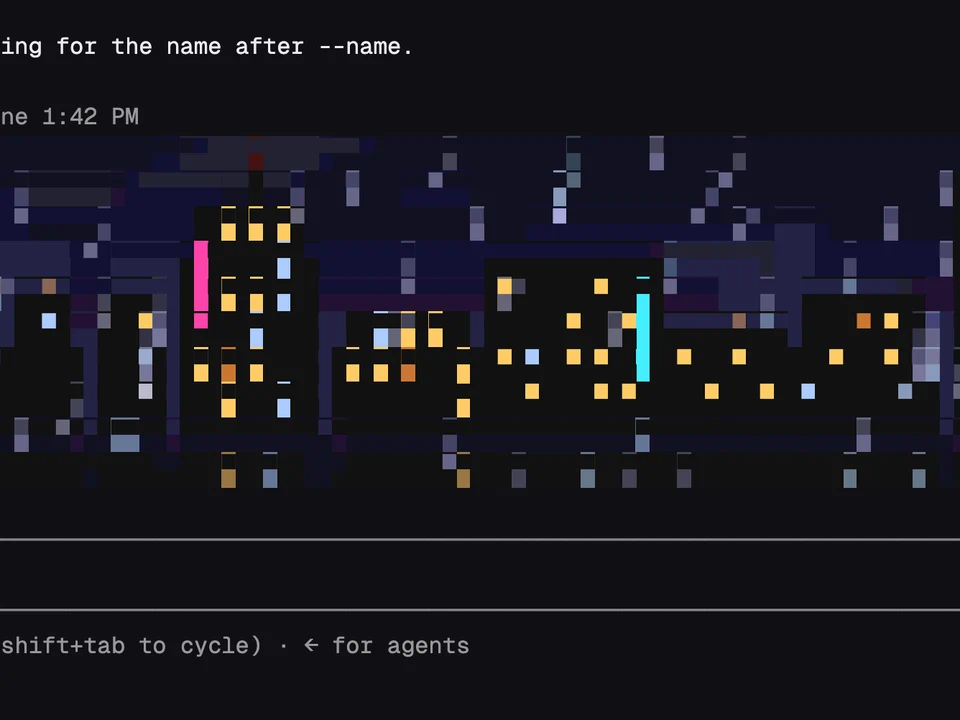
Pixelband
An animated pixel scene or your own image above the prompt, reacting to Claude
A virtual pet that eats Claude's edits and grows into one of eight adults
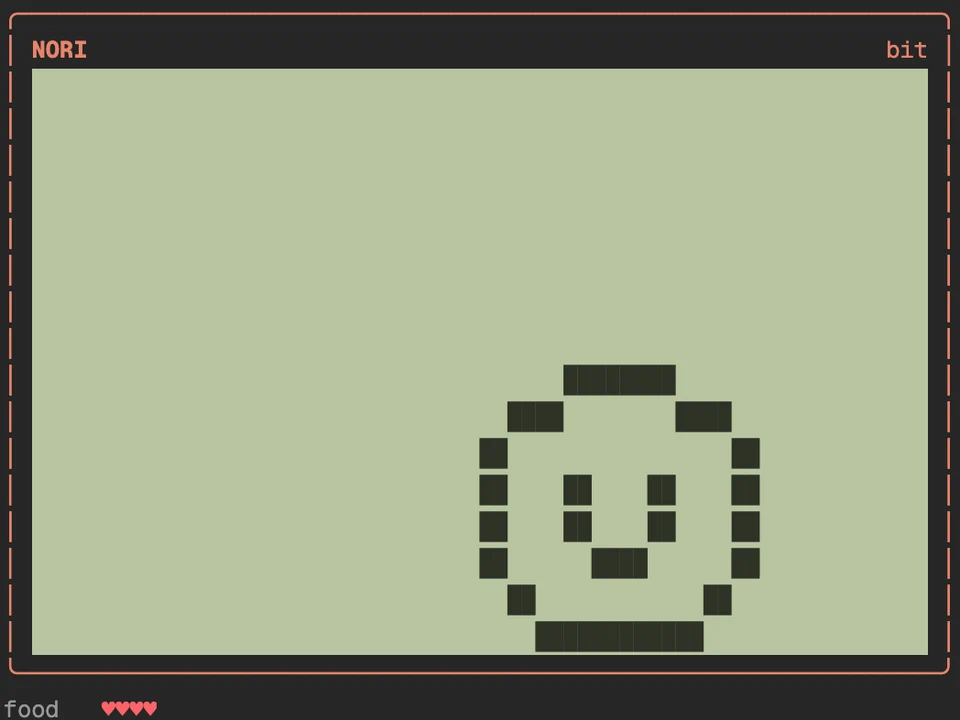
An egg appears the first time you start Claude Code with it, and /tama opens a pixel LCD in a pane beside the transcript. Once the egg is a minute old, it hatches at Claude's next tool call (or after three minutes on its own). From then on the pet lives off Claude's work: edits feed it, passing tests squash its bugs, failing tests leave new ones and commits throw a party. It also gets hungry, bored and sick, and calls you when it needs something. Over a few days it grows into one of eight adults, depending on how you cared for it and what Claude did most.
/tama opens or closes the device. While the pane has the keyboard, its buttons have keys: F feed, S snack, P play, C clean, M medicine, L lights, D scold, I stats./tama feed, /tama snack, /tama play, /tama clean, /tama medicine, /tama lights, /tama scold, /tama stats./tama name <name> renames it, and /tama shell <color> picks the device's color (coral, mint, grape, sky, banana or ink)./tama vacation on stops its clock while you're away. /tama mode gentle means it never leaves, however neglected./tama band sets how it shows above the prompt while Claude works (auto, big, on, line or off), and /tama spinner off takes its face away from the spinner./tama history lists the pets before it, and /tama new starts a new egg.An animated pixel scene or your own image above the prompt, reacting to Claude
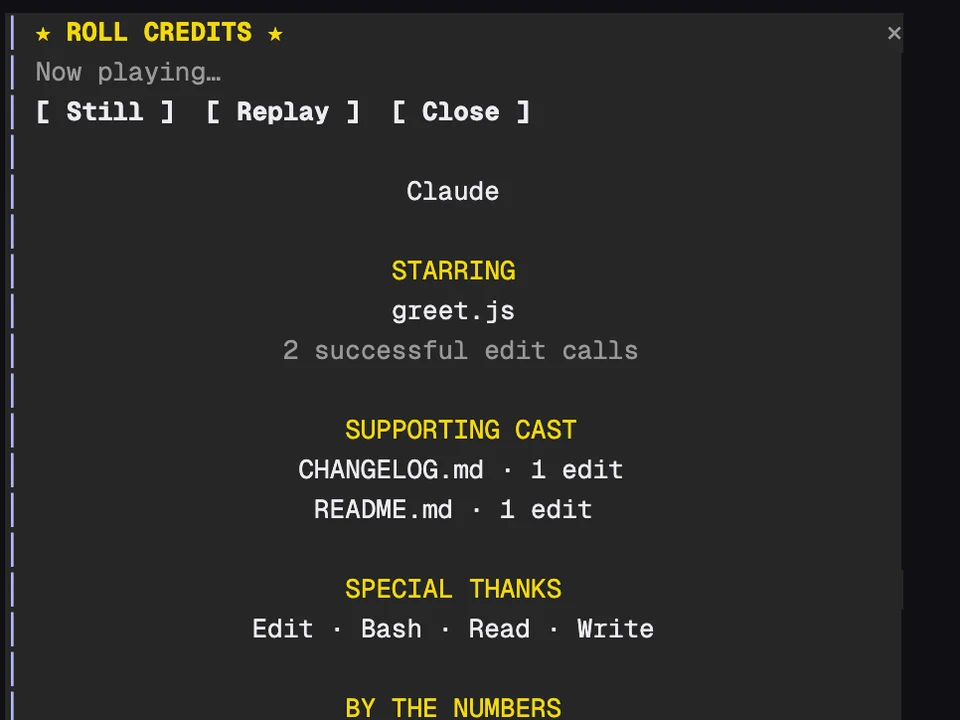
Rolls movie-style end credits for your coding session in a pane
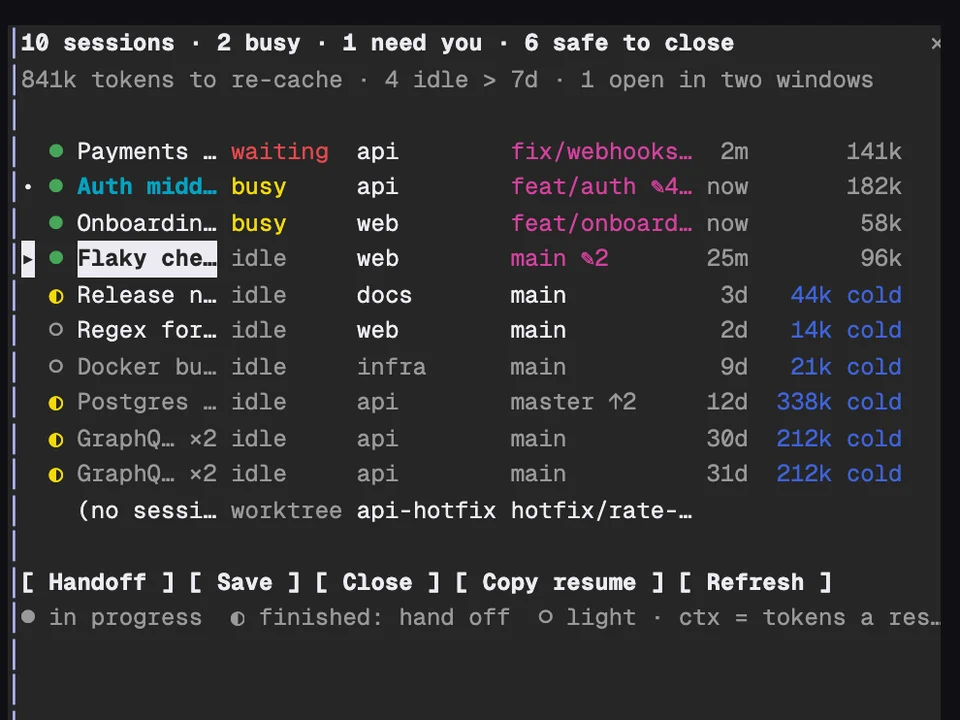
Every Claude session on your machine in one table, with handoffs and cleanup
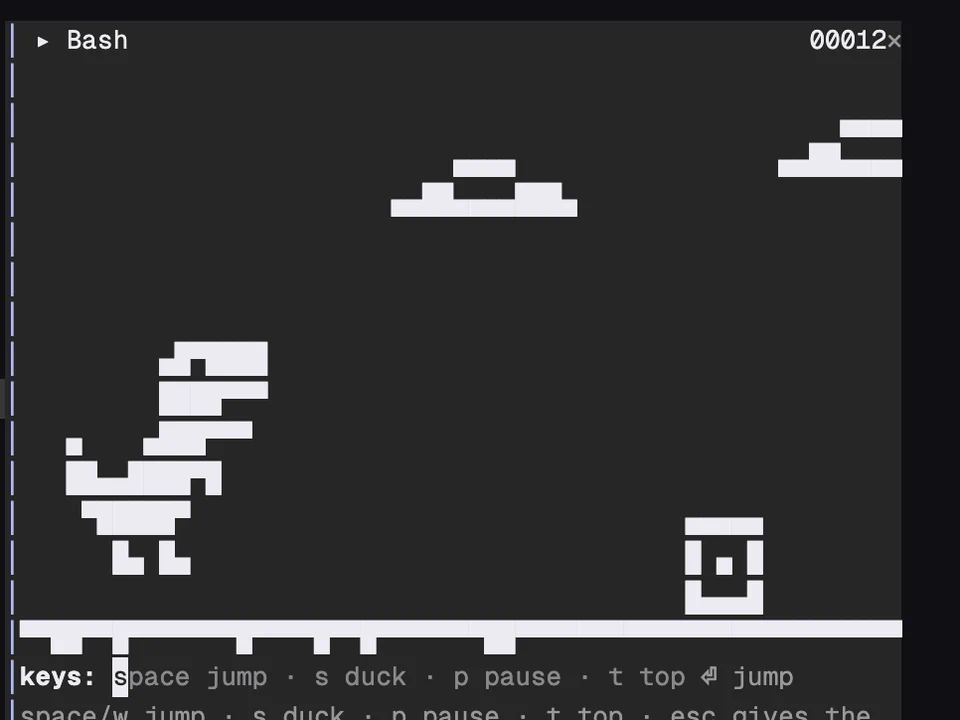
A T-rex runner in a pane where Claude's tool calls become obstacles