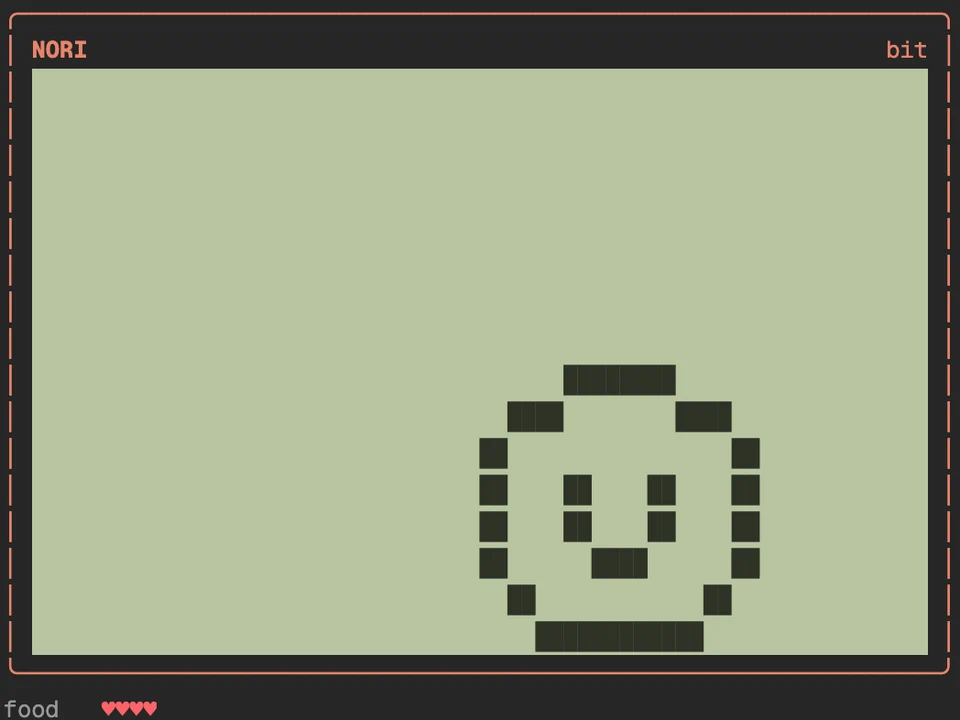
CC Tamagotchi
A virtual pet that eats Claude's edits and grows into one of eight adults
An animated pixel scene or your own image above the prompt, reacting to Claude
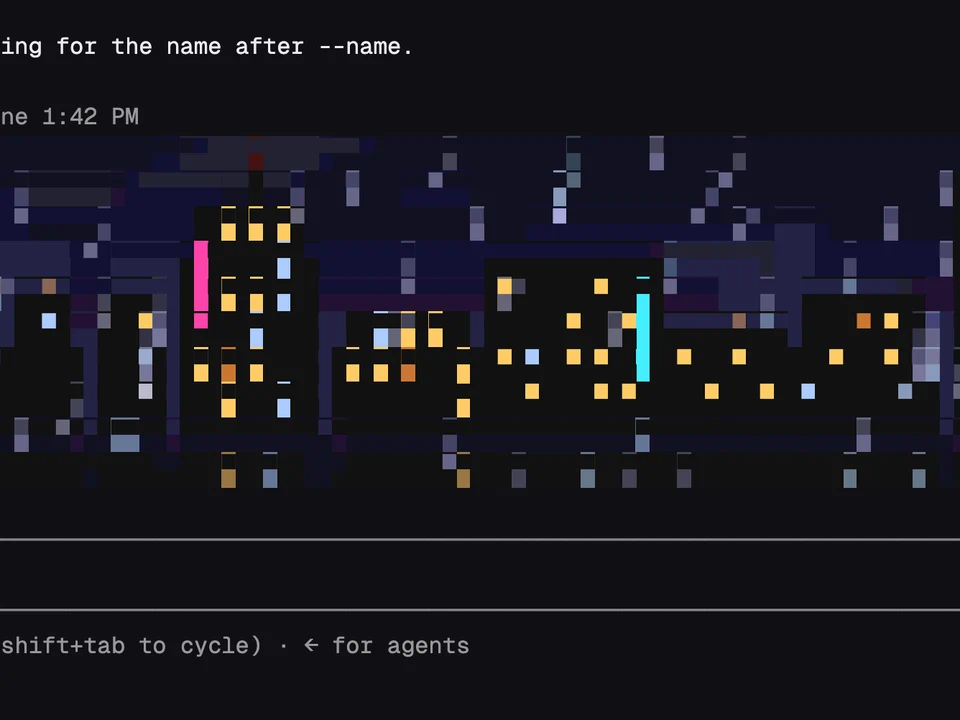
A full-width band of pixel art sits above the prompt: one of seven animated scenes, or a picture or animated GIF of your own. It follows what Claude is doing. When you send a prompt the band slides down to a three-row strip and the scene picks up (the rain on the city gets heavier), and when the turn ends it grows back with a finish effect, such as lightning over the city. Errors make it glitch. The scenes are Michelangelo's Creation of Adam, a rainy city at night, warp-speed space, an aurora, fire, digital rain and an aquarium.
/pixelband opens a menu to pick a scene or an image, a style, a size and a crop. If the menu doesn't take keys, press ctrl+x then tab./pixelband scene <name> picks a scene: creation, city, space, aurora, fire, matrix or aquarium./pixelband set <image> shows a PNG, JPEG, HEIC, WebP or GIF. Add --here to use it for this project only./pixelband style <name> applies a palette: original, gameboy, pico8, mono or sepia./pixelband size <rows> sets the height, from 2 to 24 rows, or auto (about a quarter of the terminal)./pixelband working slim, hide or full sets what it does while Claude works. slim is the default./pixelband move <direction> and /pixelband zoom in aim the crop on your picture./pixelband demo done (or working, error, intro) plays an effect on demand. /pixelband off and on hide and show the band.sips on a Mac or ImageMagick to convert photos that aren't PNG, split to read GIFs over 4 MB, and rm to delete the temporary files.A virtual pet that eats Claude's edits and grows into one of eight adults
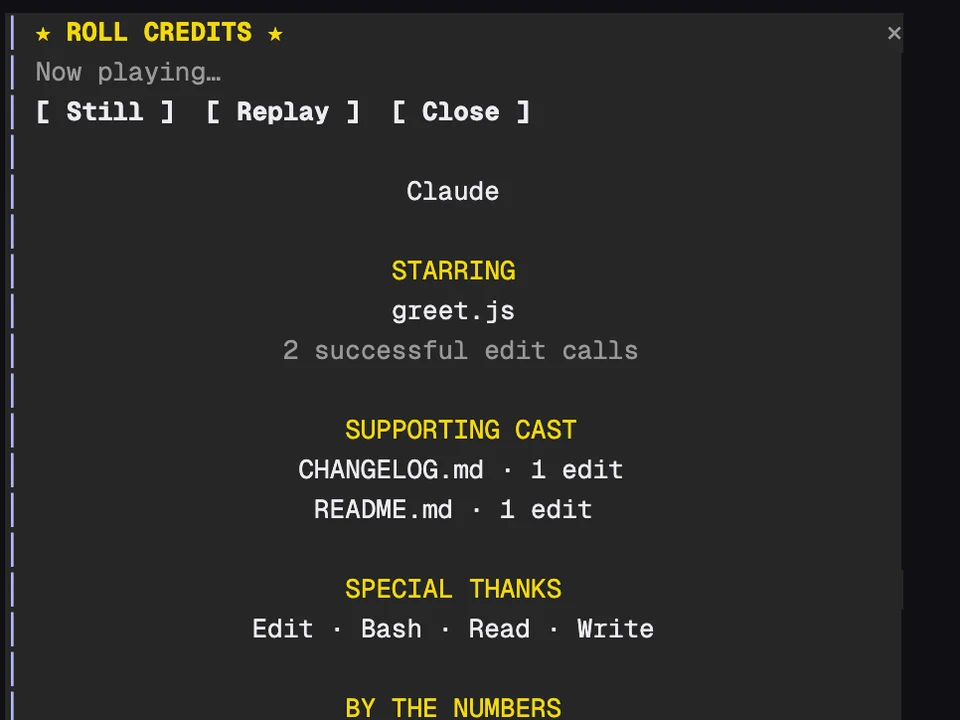
Rolls movie-style end credits for your coding session in a pane
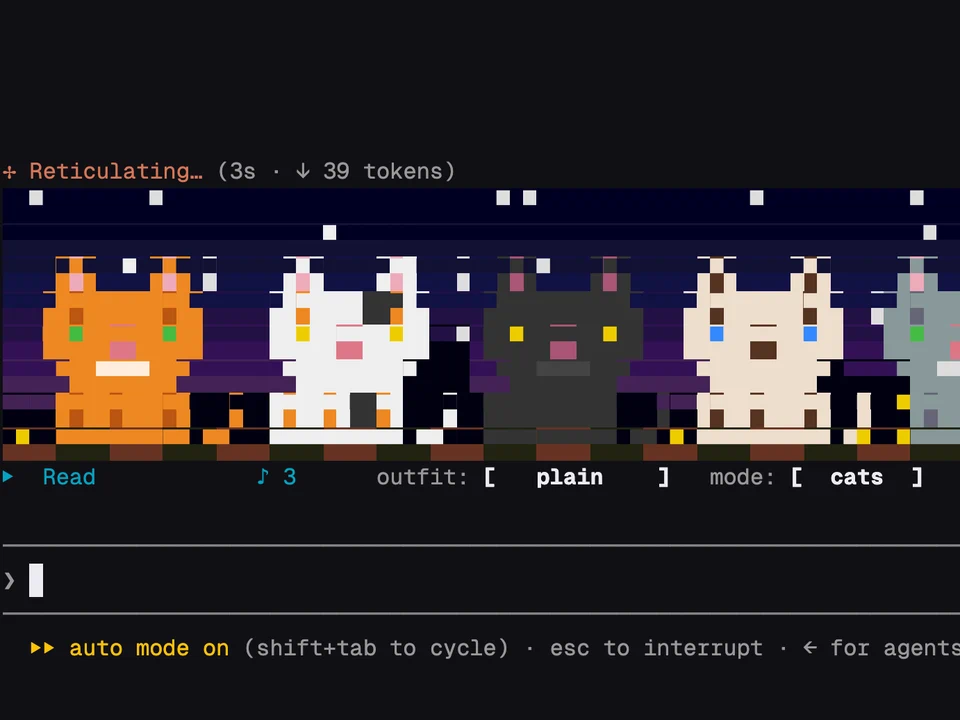
A retro music visualizer or a row of dancing cats above the prompt, driven by your session
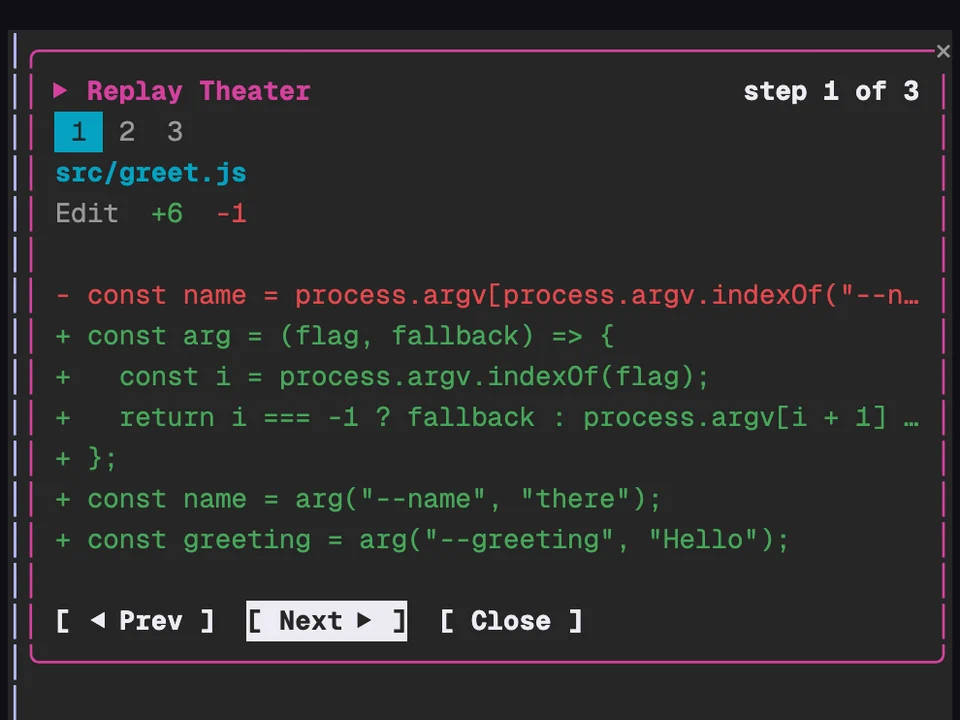
Step through the file edits Claude made in the last turn, one diff at a time