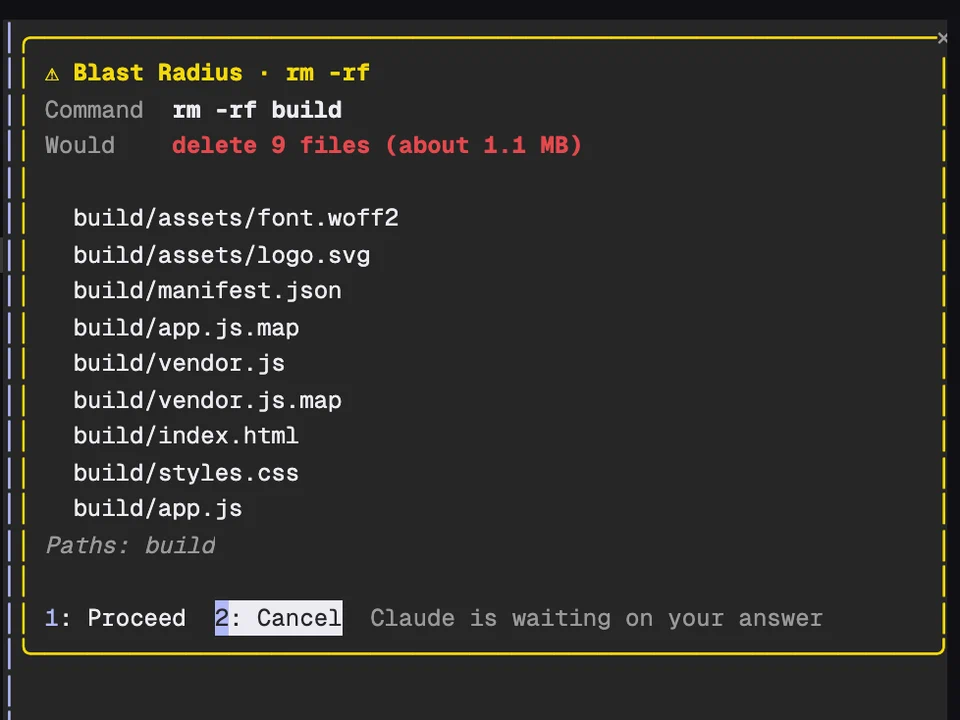
Blast Radius
Holds risky shell commands and shows what they would delete before they run
Makes you type a launch code before Claude runs a dangerous shell command
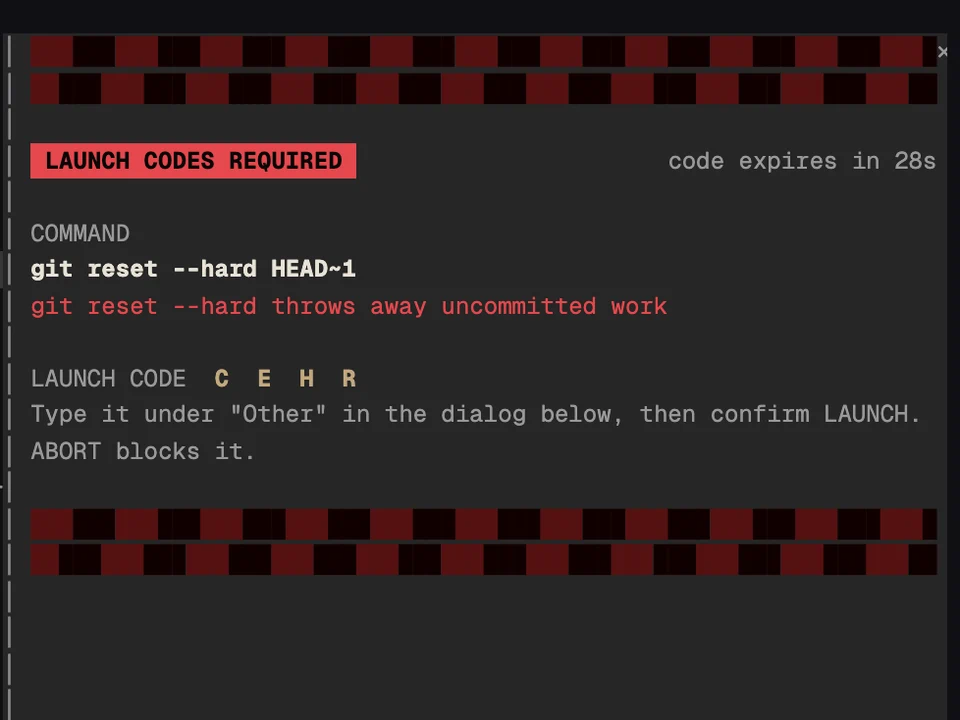
When Claude tries to run a dangerous shell command, it stops and a red-alert pane opens on the right: moving hazard stripes, the command, why it's dangerous and a four-letter launch code that expires in 30 seconds. A siren plays until you answer. The command only runs if you type the code and then choose LAUNCH. Anything else blocks it, and Claude is told not to retry or work around the check.
It asks for codes before:
rm -rf, except on throwaway folders like node_modules, dist, .next, coverage and /tmpgit push --force (also -f and +branch) and git reset --hardDROP or TRUNCATE sent through a SQL client such as psql, mysql or sqlite3, and supabase db resetvercel --prod, chmod -R 777, and a script from curl or wget piped into a shell/launch-codes demo runs a practice alert with a made-up command. Nothing runs./launch-codes test <command> tells you whether a command would need launch codes, without running it.Holds risky shell commands and shows what they would delete before they run
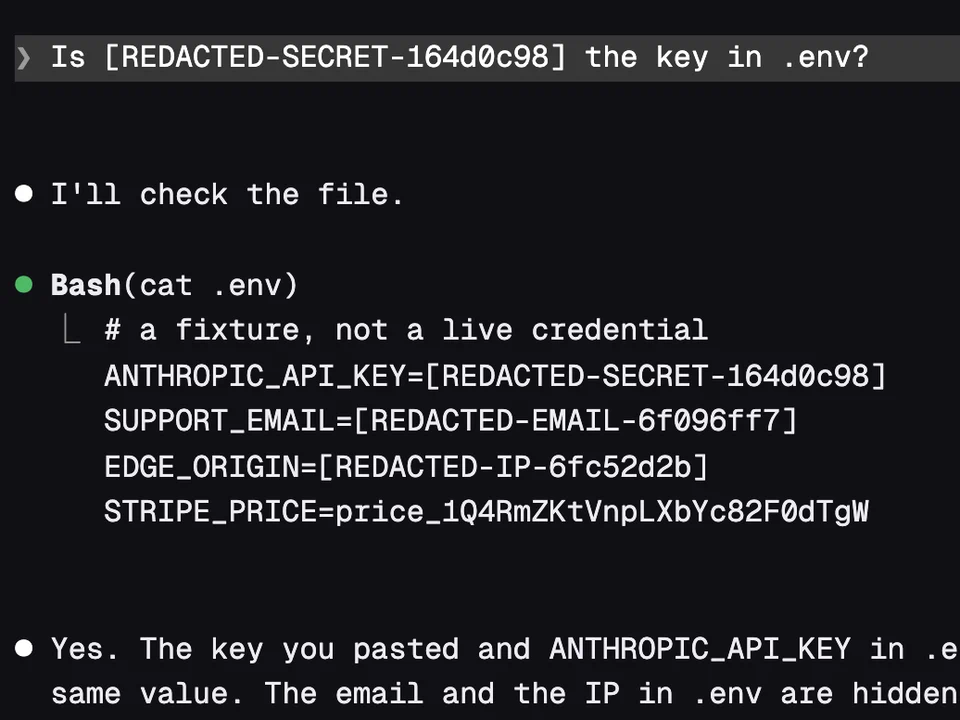
Swaps keys, emails and IP addresses for placeholders before Claude reads them
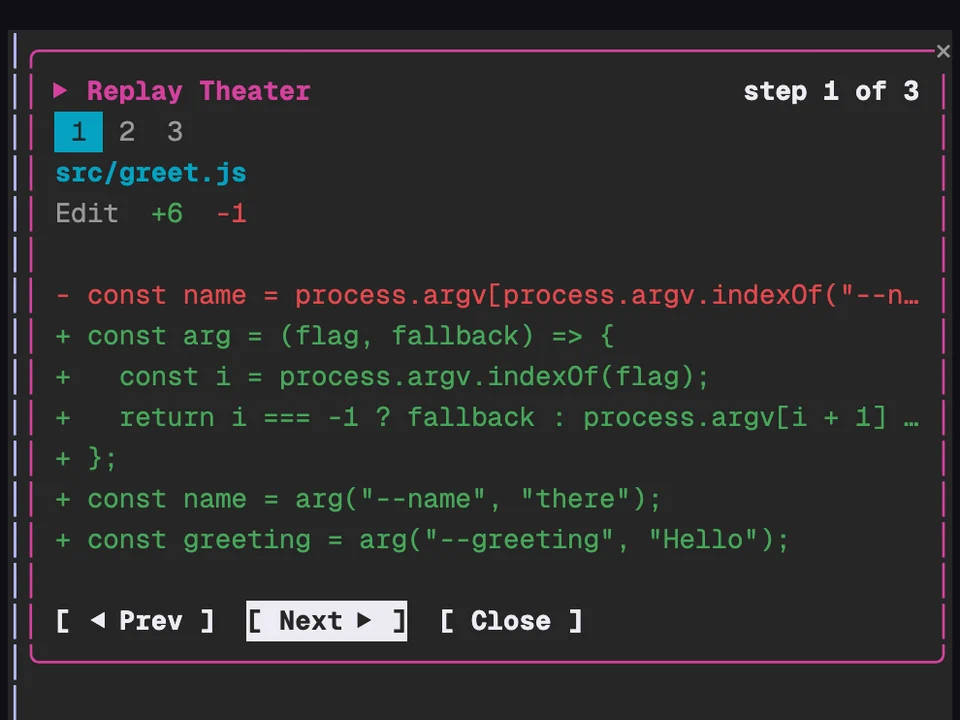
Step through the file edits Claude made in the last turn, one diff at a time
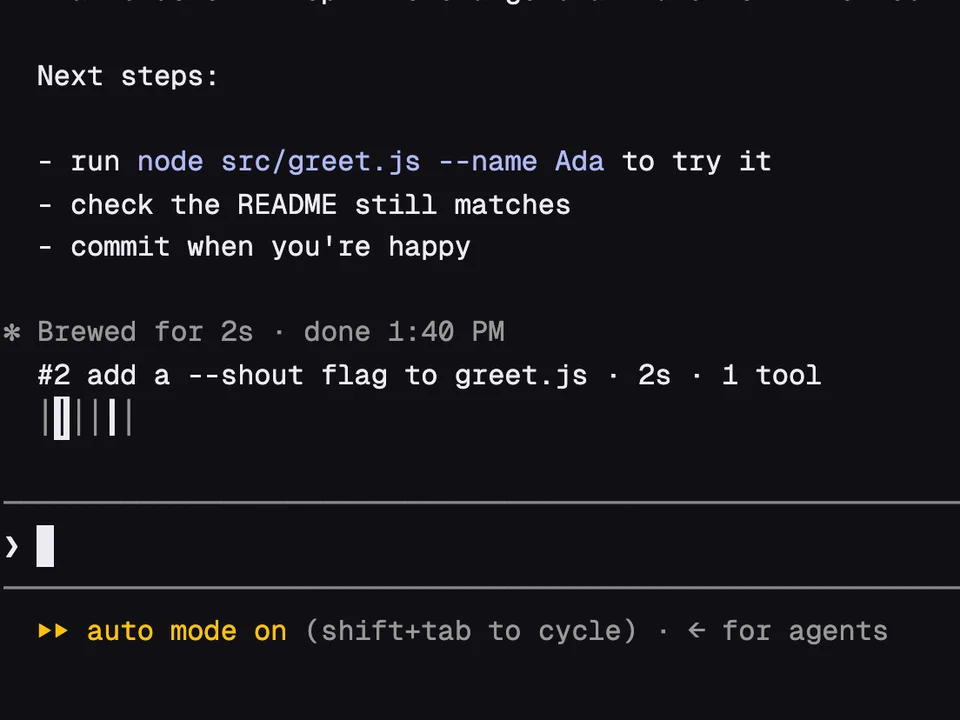
A rail of your past prompts above the input, to preview one and jump back to it