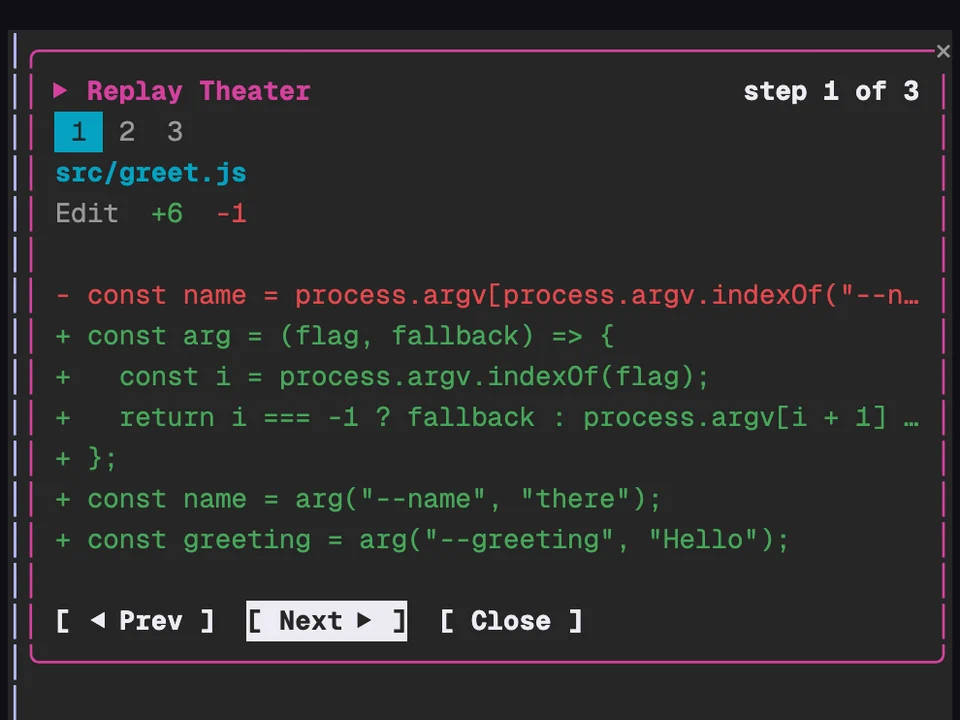
Replay Theater
Step through the file edits Claude made in the last turn, one diff at a time
Shows what your branch changed against main, split into code, comments, tests and docs
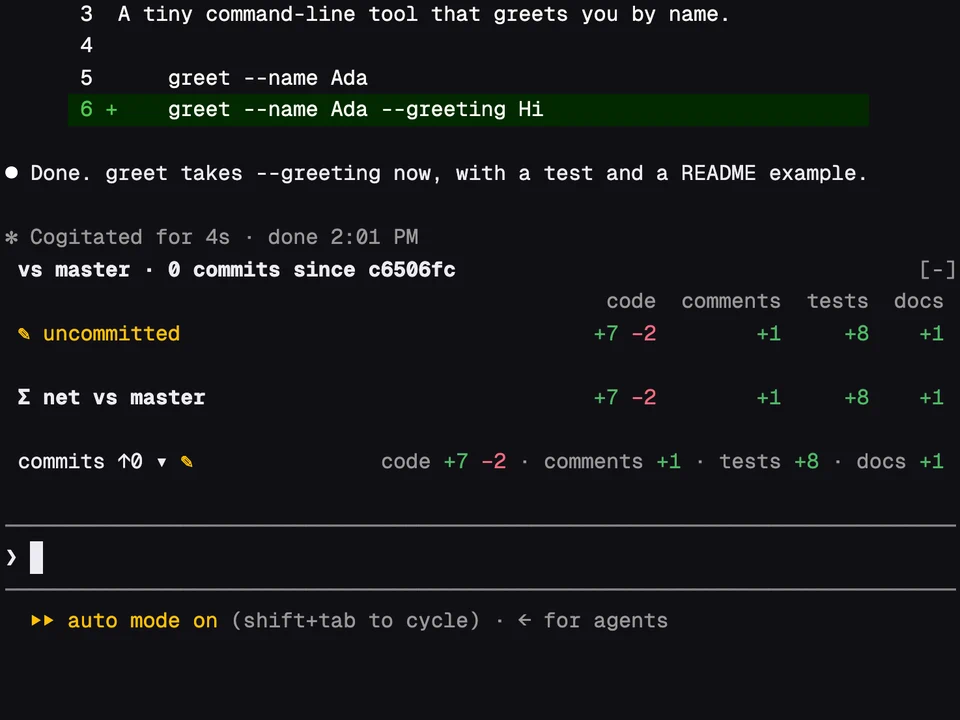
A row above the prompt counts the lines added and removed on your branch since it left main, sorted into code, comments, tests, docs and generated files such as lockfiles. You can tell at a glance whether a change is mostly real code or mostly tests, docs and noise. Open it and a table lists every commit since the branch started, your uncommitted changes (marked ✎) and the net total.
main or master branch./loc-split, or click commits ↑N, to open or close the per-commit table. A long commit list scrolls on its own.git commands (merge-base, log, diff, ls-files) and reads untracked files to count their lines. It writes nothing and sends nothing.//, #, --, <!-- -->, Python docstrings). A line with code before its comment counts as code.origin/main, main, origin/master and master that exists. Untracked files count as added.Step through the file edits Claude made in the last turn, one diff at a time
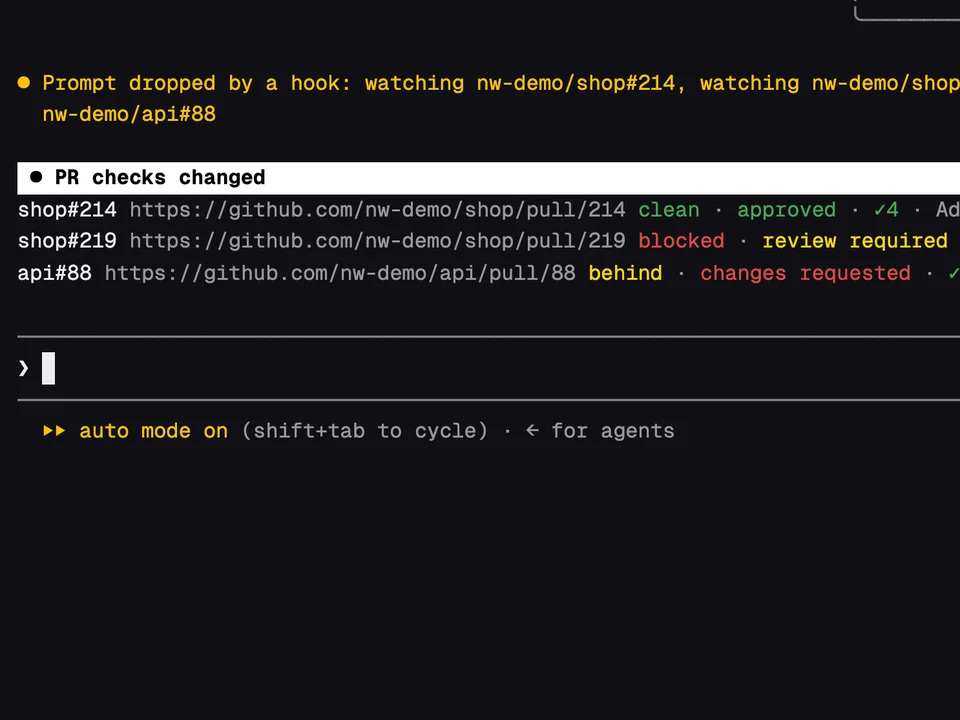
Paste a PR link and watch its checks, reviews and merge state above the prompt
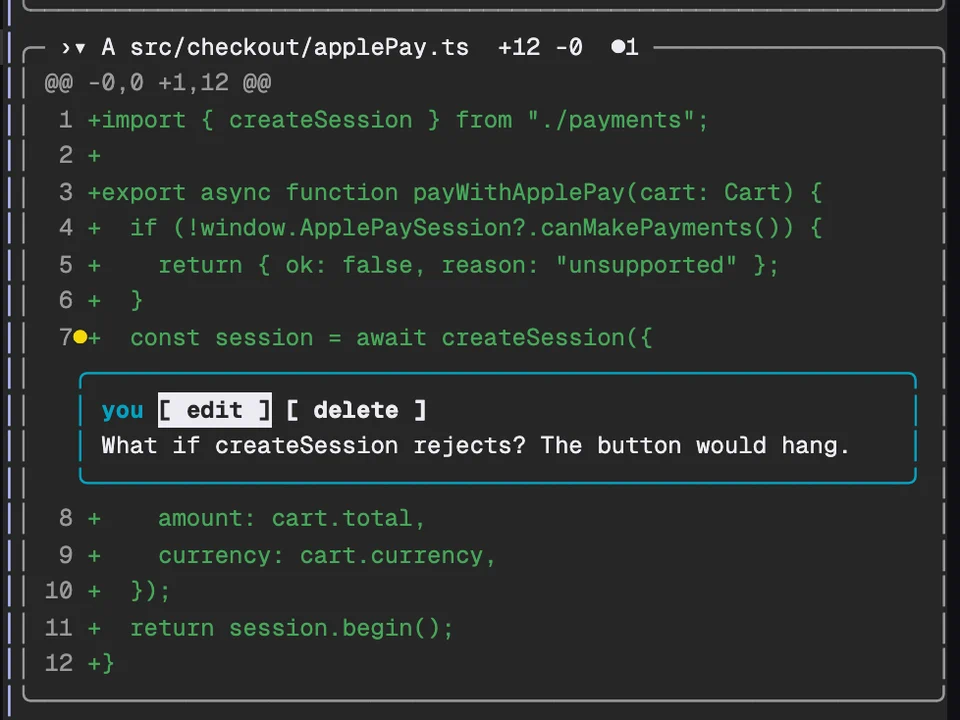
Review a pull request in a side pane and send your line comments as a pending review
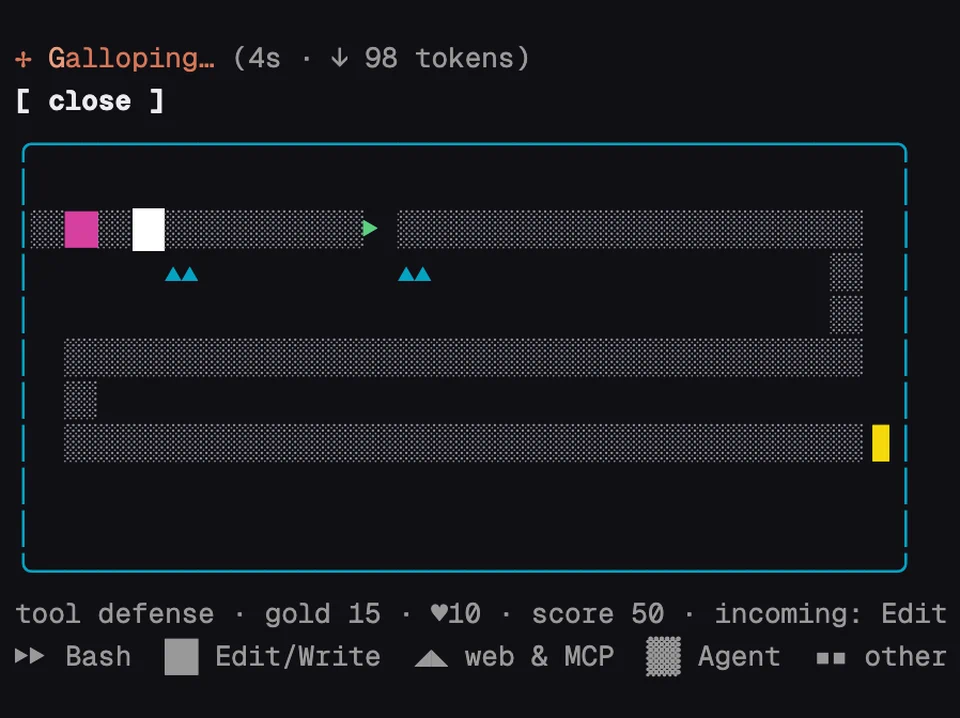
Tower defense where every enemy is one of Claude's real tool calls