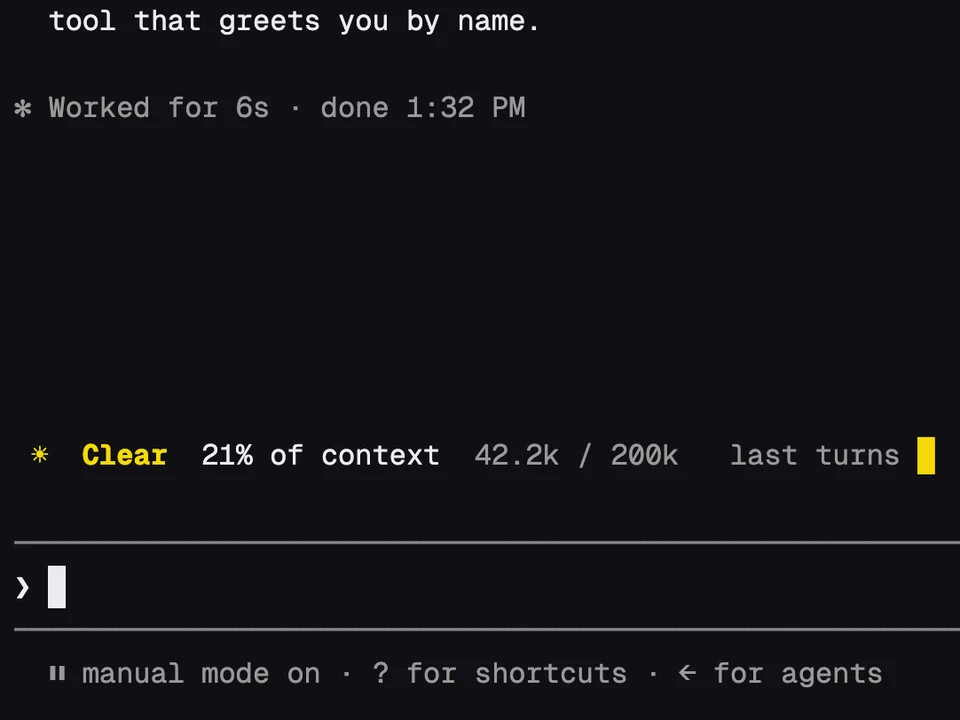
Token Weather
A weather forecast for your context window, in one line above the prompt
Braille rings under the prompt for context and plan limits, with model and folder
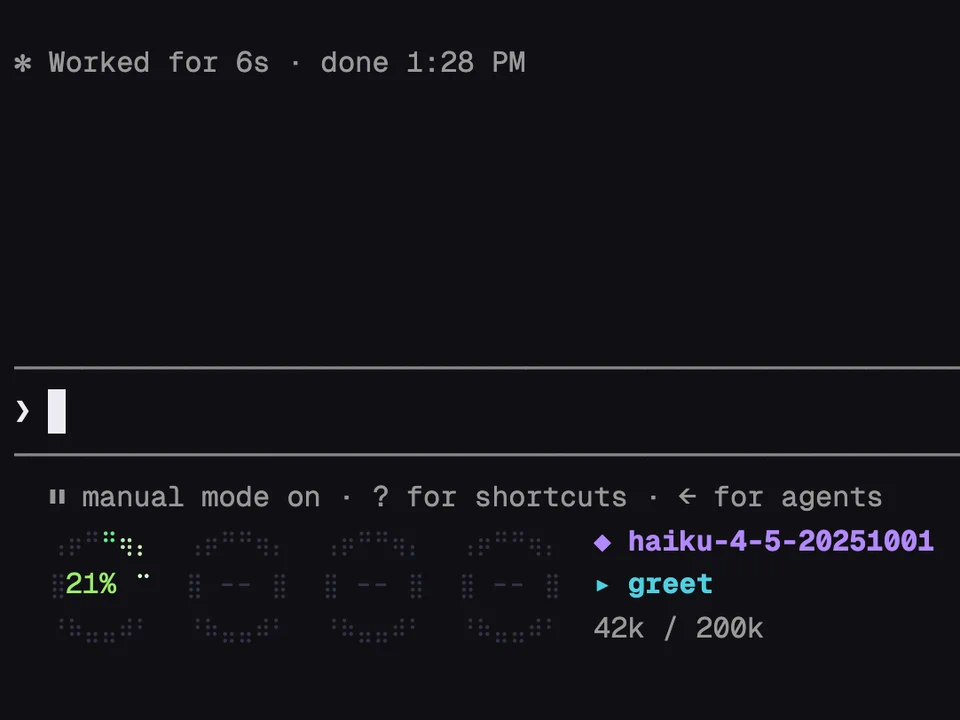
Four small rings sit in the line under the prompt, drawn with braille dots. The first shows how full the context window is. The other three show your 5-hour session limit, your weekly limit and your model-specific weekly limit. Each ring fills clockwise with the percentage in the middle, a light travels around the filled part, and a ring pulses red once context passes 80% or a limit passes 90%.
Beside the rings you get the model and its effort level, the project folder, the tokens used out of the window and, on a subscription, when the session limit resets.
Install it and start a session. There's nothing to configure.
statusLine command in settings.json that shows the model, folder or context, you can drop it: this shows the same.plan-progress-fx. With both installed, its progress bars sit to the right of the rings.--.○ ◔ ◑ ◕ ●) instead.A weather forecast for your context window, in one line above the prompt
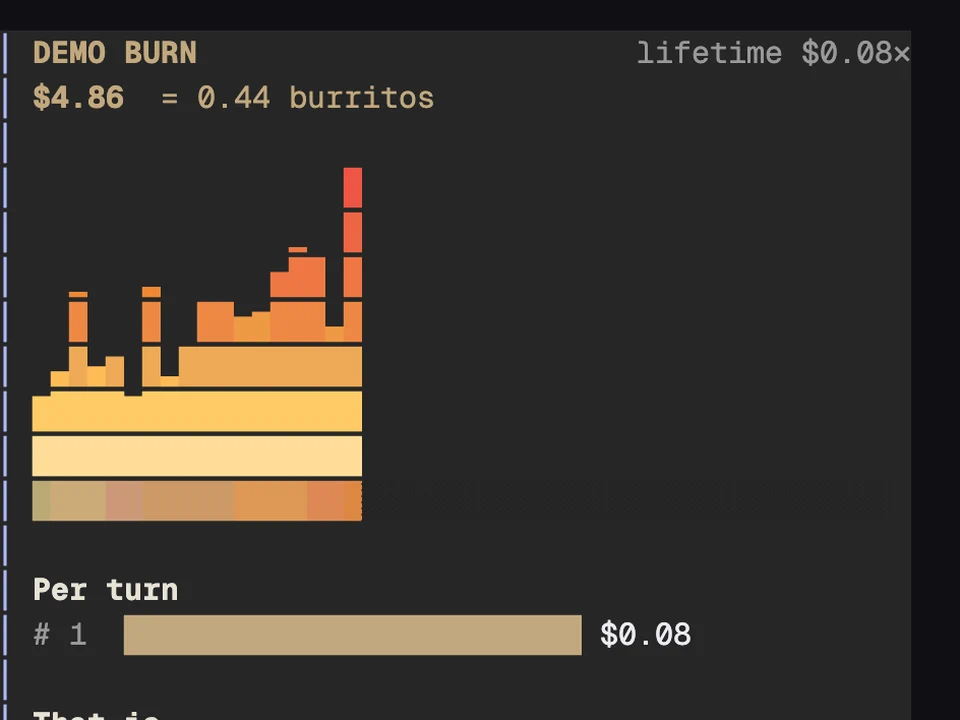
Your session's spend above the prompt as a growing fire, counted in burritos
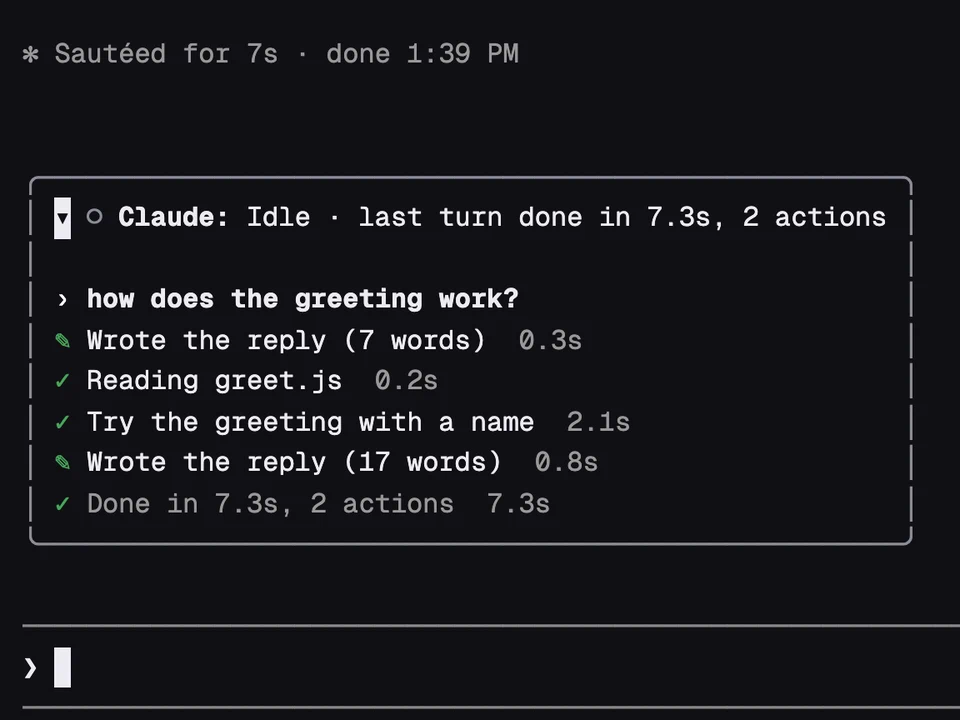
A box above the prompt that says what Claude and each agent are doing right now
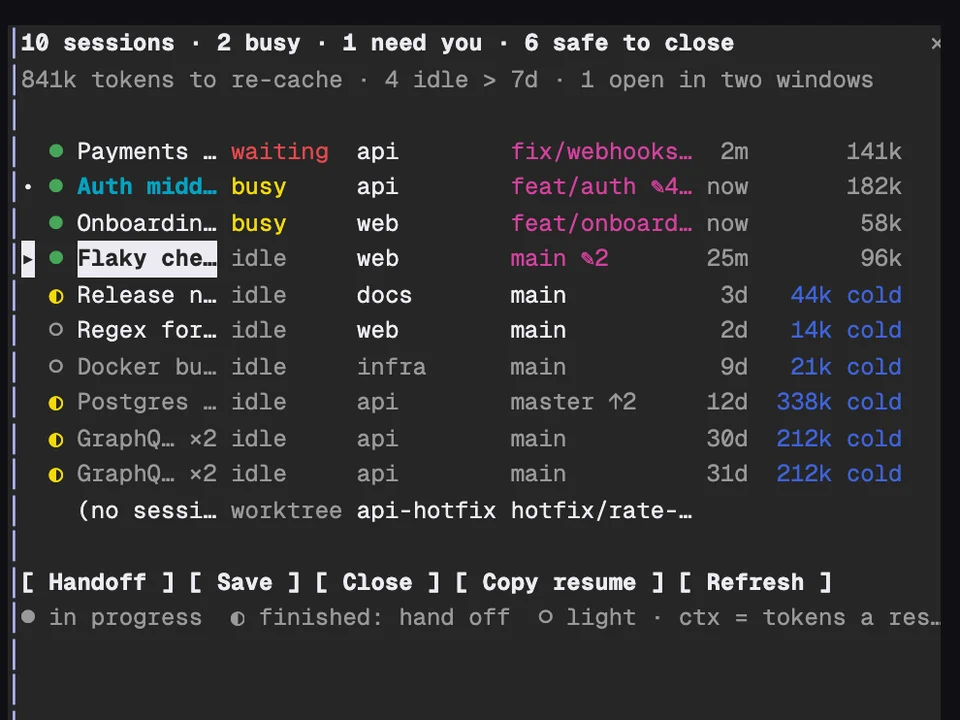
Every Claude session on your machine in one table, with handoffs and cleanup