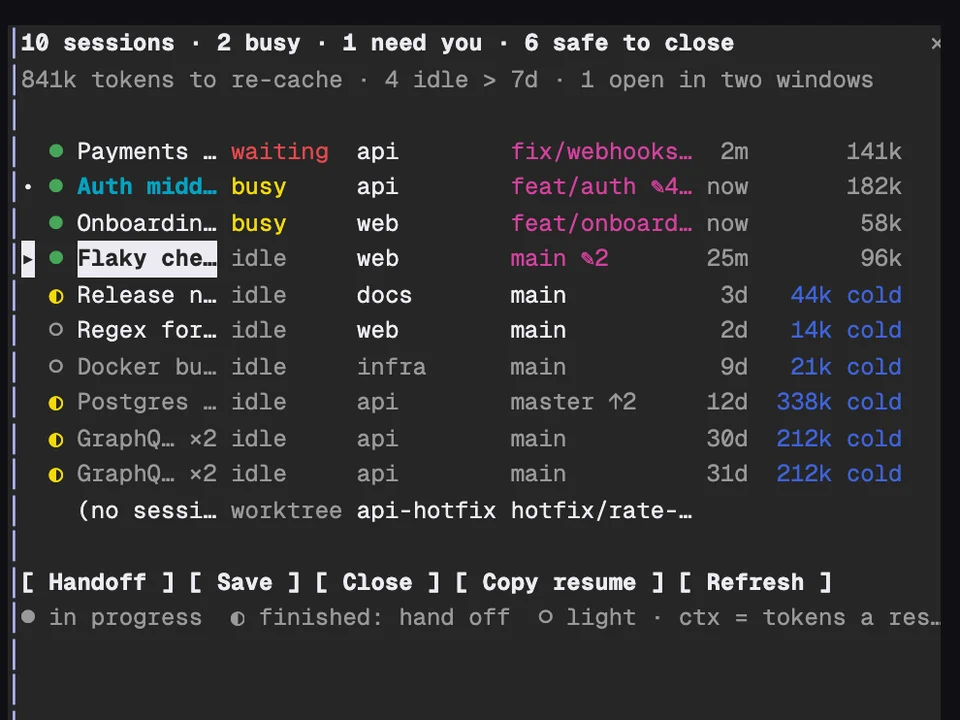
Claude Fleet
Every Claude session on your machine in one table, with handoffs and cleanup
Watch a Workflow run as a live graph of its phases and agents, in a side pane
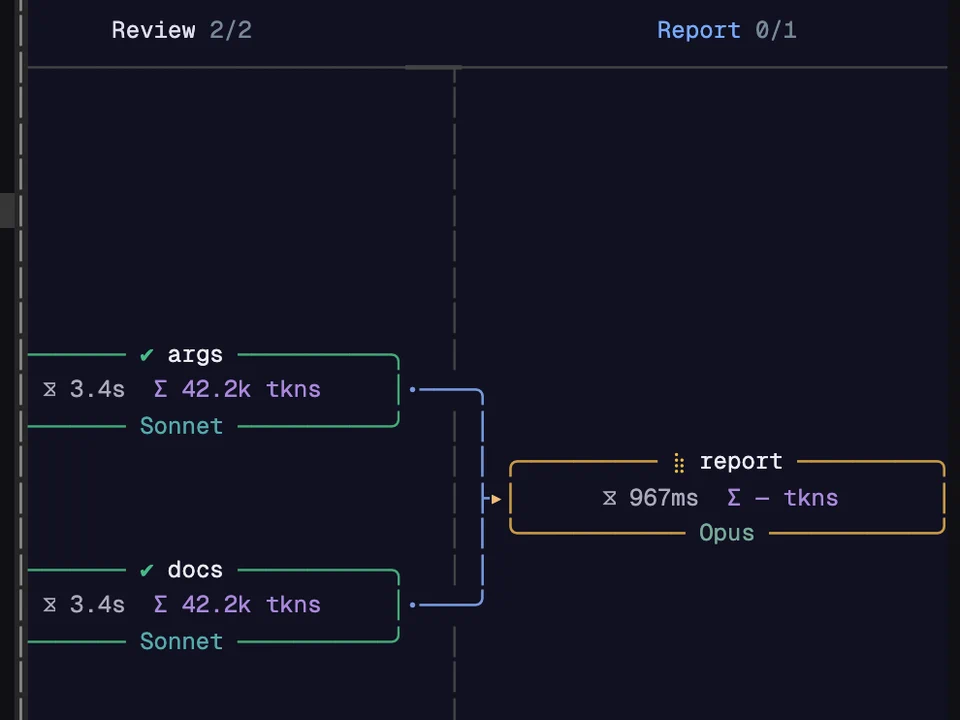
When Claude starts a Workflow, a pane opens beside the transcript and draws the run as it happens. Each phase is a column and each agent is a card, framed green when it's done, yellow while it runs, red if it failed and grey if the run cut it off. A card shows how long the agent took, the tokens it's holding, its model and the tool it's calling right now. Edges connect one phase to the next, and the header keeps a running count of agents done, time and tokens.
It's for multi-agent runs that are otherwise a progress bar: you can see which agent is slow, which one failed and where the tokens went.
Start any Workflow. The pane opens when the run launches and repaints about eight times a second while it's live.
/flowpane opens or closes the pane. /flowpane runs lists the session's runs, /flowpane timeline (or horizontal, vertical, list, fits) changes the layout, /flowpane theme lists the palettes, and /flowpane help shows the rest./plugin configure flowpane: layout, detail height and pane height./tui default the pane never draws. Use /tui fullscreen.mpolatcan/cc-plugins. This repo is also its own marketplace, which is what the install box above uses.Every Claude session on your machine in one table, with handoffs and cleanup
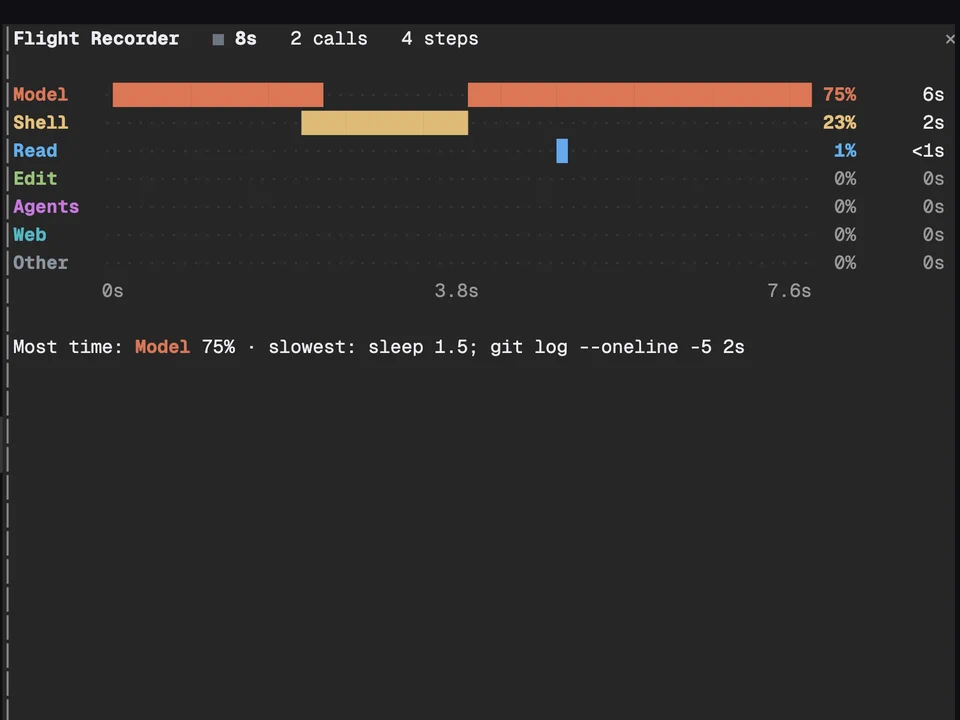
Shows where each turn's time goes, live: model, shell, reads, edits, agents, web
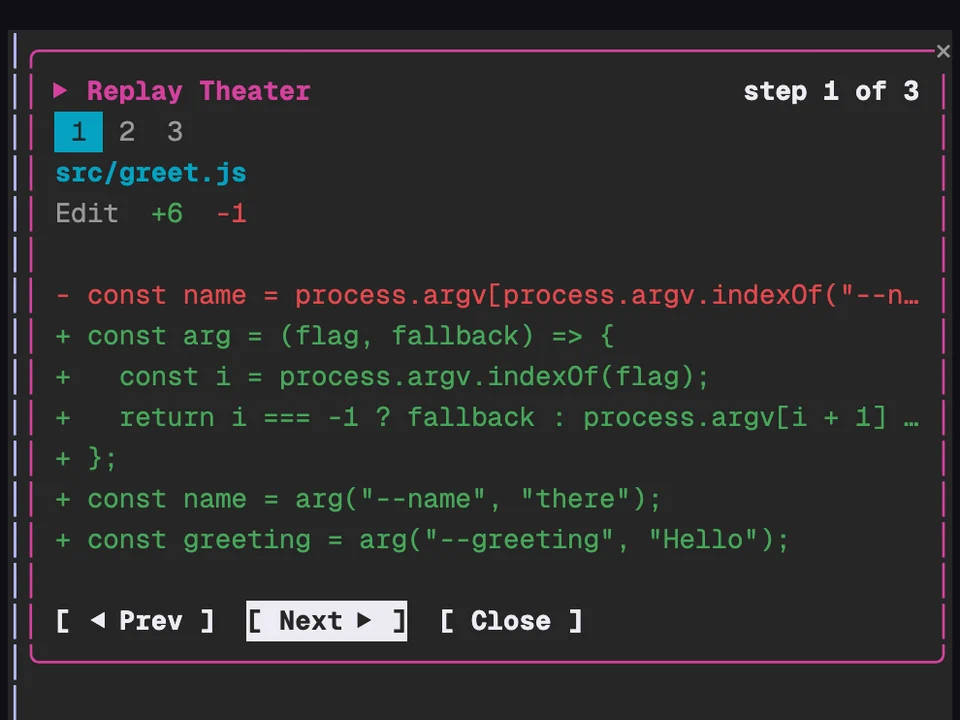
Step through the file edits Claude made in the last turn, one diff at a time
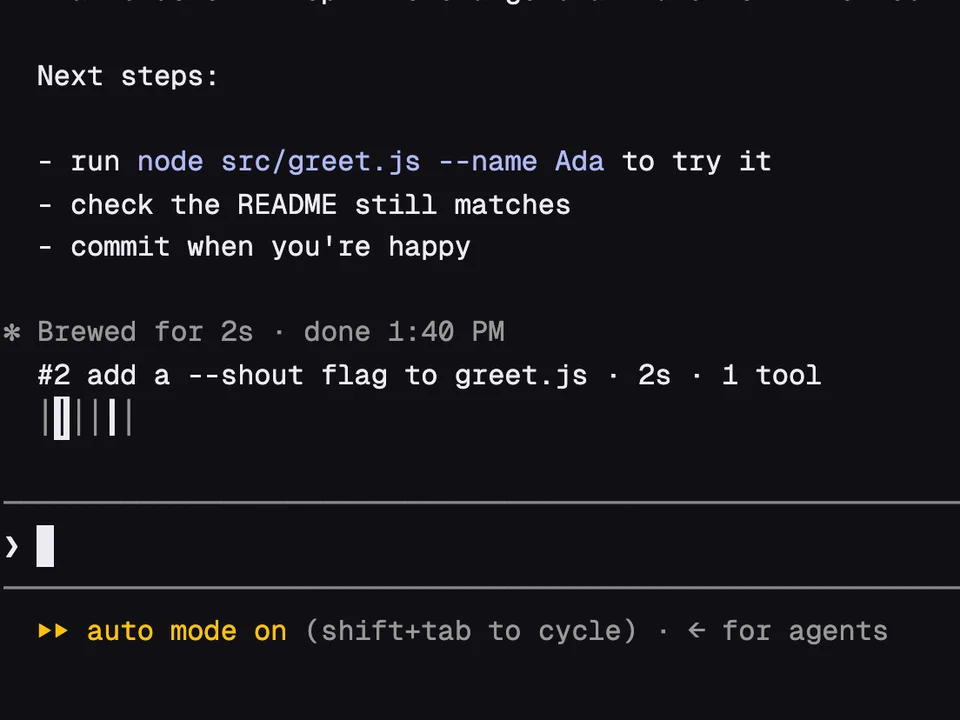
A rail of your past prompts above the input, to preview one and jump back to it