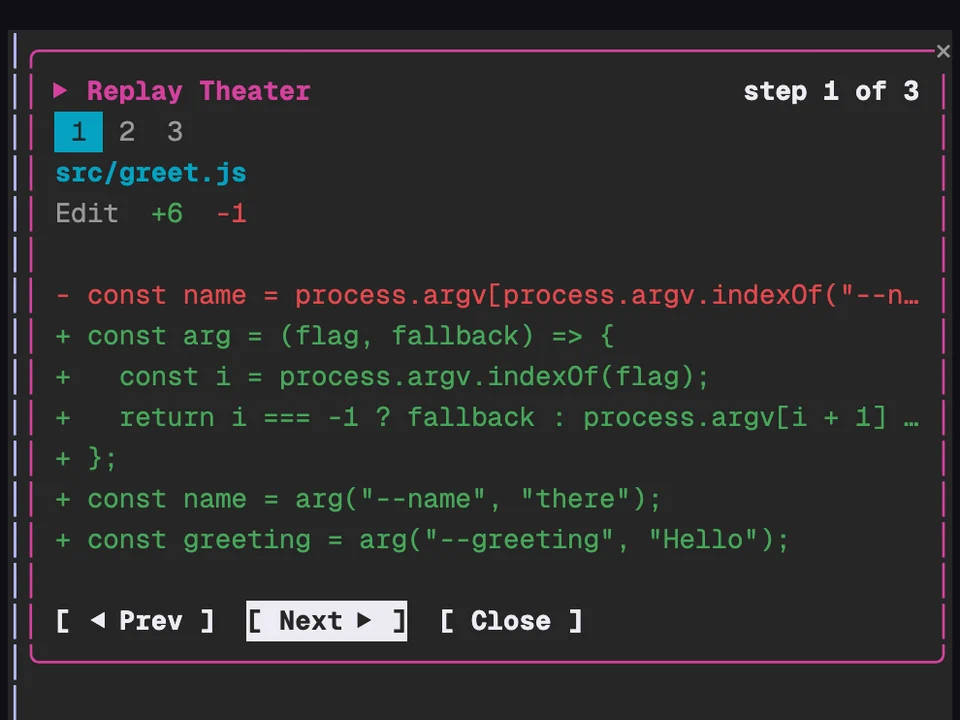
Replay Theater
Step through the file edits Claude made in the last turn, one diff at a time
Two lines above the prompt saying what this session is for and where it stands
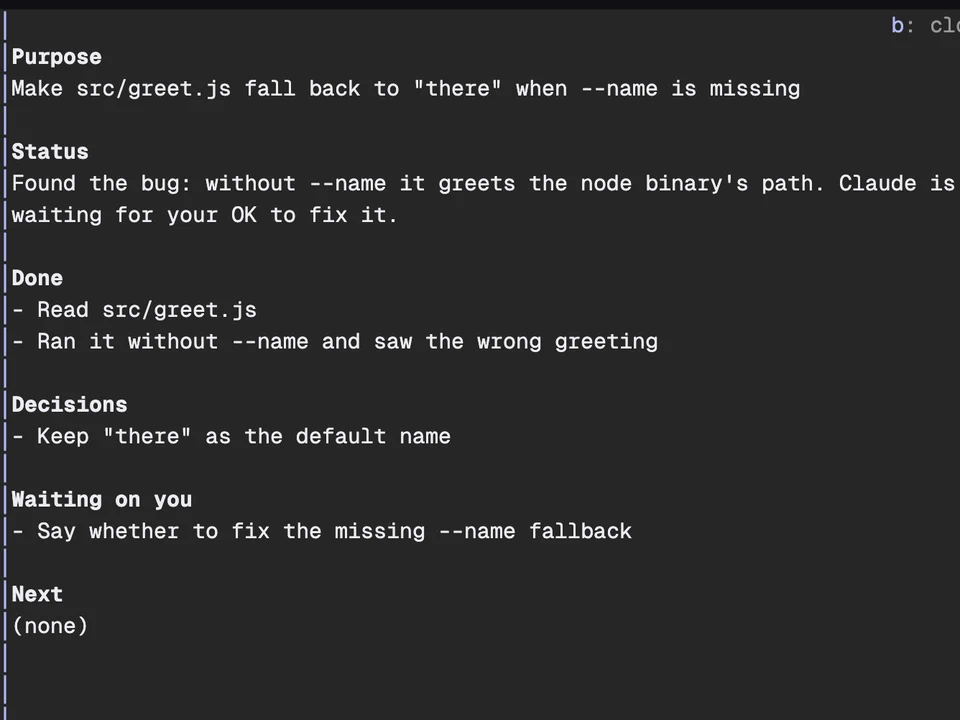
After every turn, Haiku rewrites a short brief of the session, and the band above the prompt shows two parts of it under a ── Session brief ── rule: the purpose (what this session is for) and the status (where the work stands). When you run several sessions side by side, switching to one tells you at a glance what it's doing, without scrolling back.
/brief opens a pane with all six parts: purpose, status, what's done, what's been decided, what's waiting on you and what Claude will do next.
Install it and work as normal. The band appears after the first turn.
/brief opens the full brief in a pane. The band's details button does the same: press ctrl+x then Tab to focus the band, then b.close button (b) or Esc.ctrl+x ctrl+a folds the band away.ctrl+x b and ctrl+x i shortcuts, add the two bindings from the README to ~/.claude/keybindings.json.language setting. Japanese gets Japanese labels too.claude -p never call it. The only way to stop the calls is to disable the mod.language setting.Step through the file edits Claude made in the last turn, one diff at a time
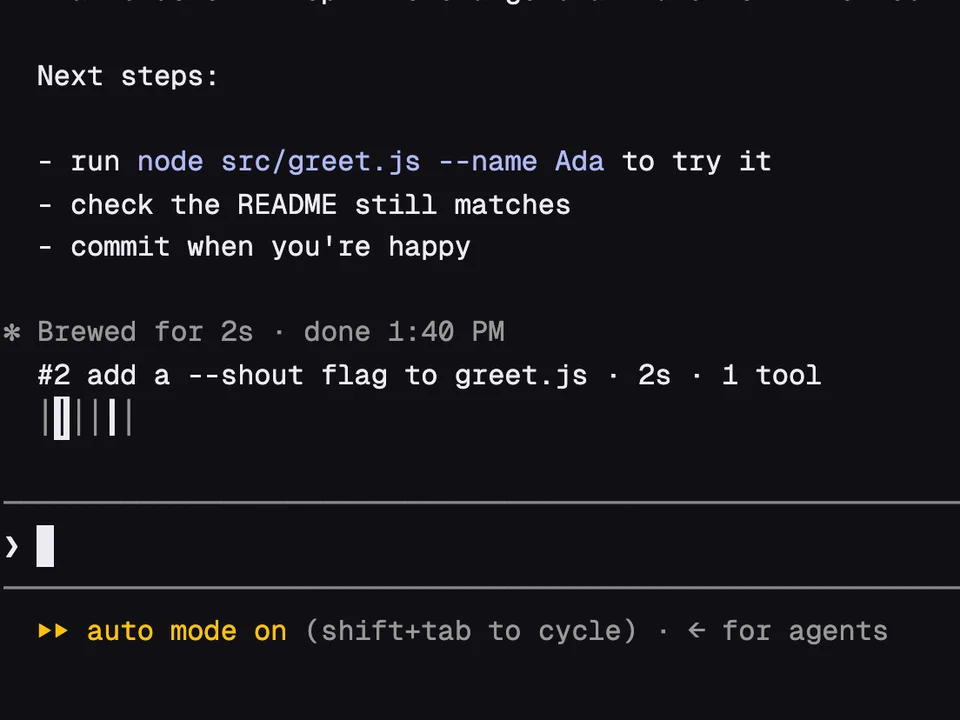
A rail of your past prompts above the input, to preview one and jump back to it
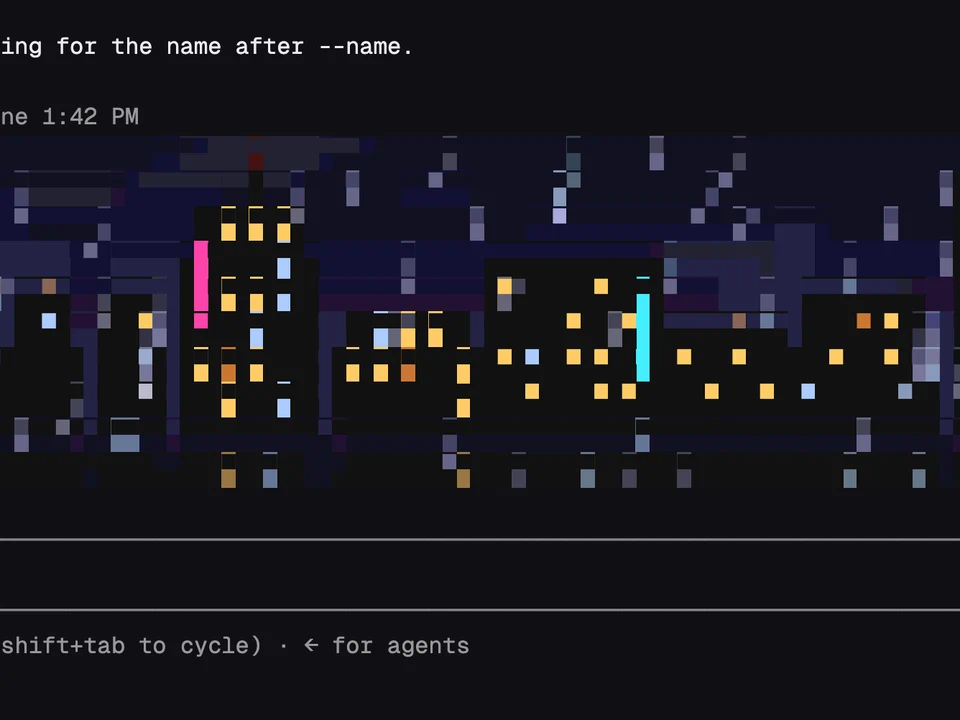
An animated pixel scene or your own image above the prompt, reacting to Claude
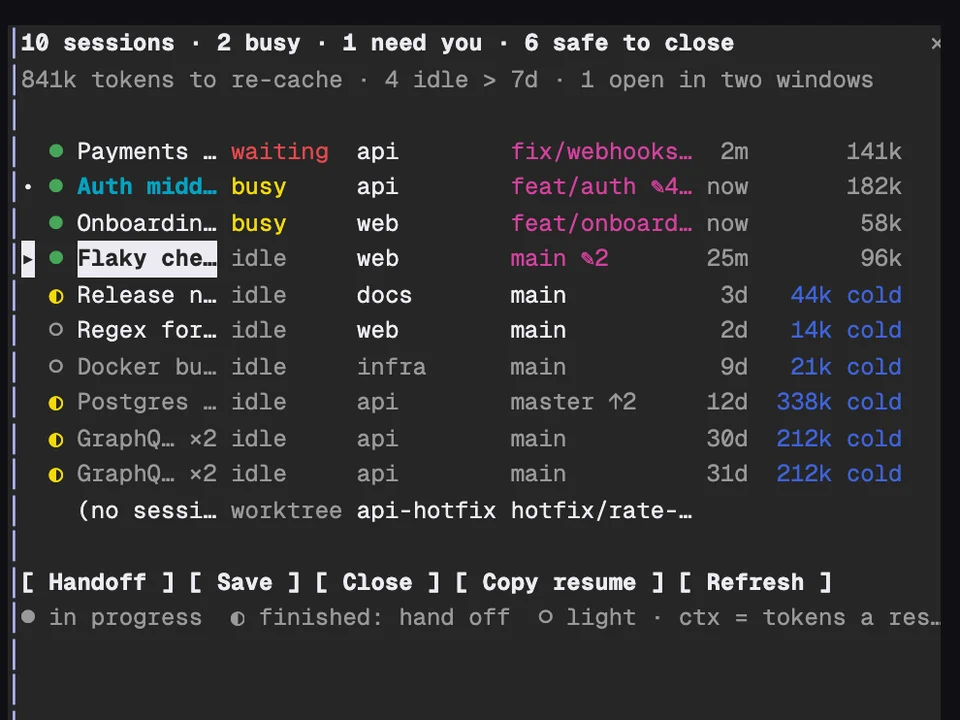
Every Claude session on your machine in one table, with handoffs and cleanup